Disko Vault: encrypt a folder, lock an app, keep it on your Mac
You hand your laptop to someone for two minutes — to show a photo, to let a kid pick a cartoon — and your entire life is one Spotlight search away. The tax folder. The client contracts. That one app you would rather nobody opened. Disko Vault is the little menu-bar bouncer that stands in the doorway and says: not without the password.
Two locks. We will be honest about both.
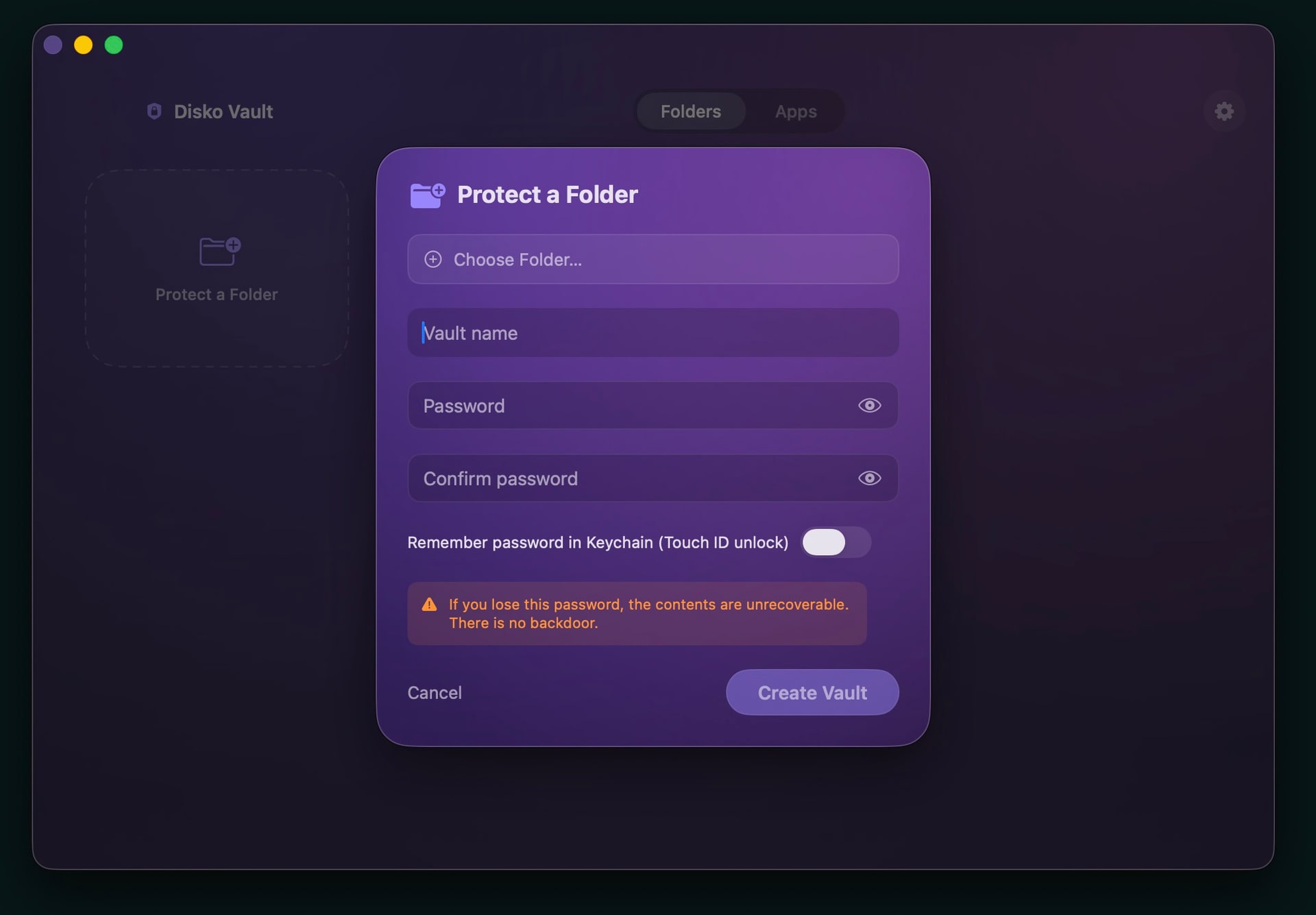
Lock a folder and it does not get "hidden" — it gets sealed inside an AES-256 encrypted disk image. The bytes on disk are genuinely scrambled. Pull the drive, boot into Recovery, mount it on another Mac — none of it matters. No password, no data. There is no backdoor and no recovery, and that is the point: lose the password and the data is gone for good. Real locks do not keep a spare key taped under the mat.
- Seals any folder in a real AES-256 encrypted sparsebundle
- Unreadable from another Mac, an external boot, or Recovery
- One-click Restore decrypts it back where it came from — edits and all
- No backdoor, no cloud copy, no "forgot password" escape hatch
App lock: a deterrent, and we say so out loud
Here is the part most "app locker" apps quietly skip: macOS has no official way to stop an app from launching. So nobody can truly, cryptographically lock an app — anyone who claims otherwise is selling you a feeling. What Disko Vault actually does is watch for the launch, freeze the app the instant it opens, and throw up a password panel before it can show you a thing. Right password, it resumes. Wrong password, it closes. That stops a curious partner, a coworker, or a kid cold. It will not stop a determined nerd who knows to quit the Disko Vault agent first — and we tell you exactly that during setup, because a security tool that oversells itself is worse than none.
Runs quiet. Stays yours.
- Lives in the menu bar — no dock clutter, enforced from boot
- Touch ID to unlock, or type the password — your call
- Everything is local: no account, no cloud, no telemetry, no subscription
- Notarized and self-contained — nothing to install alongside it
Some things are nobody else’s business. Disko Vault keeps it that way.