Fifteen media chores I moved into the Mac right-click menu — free
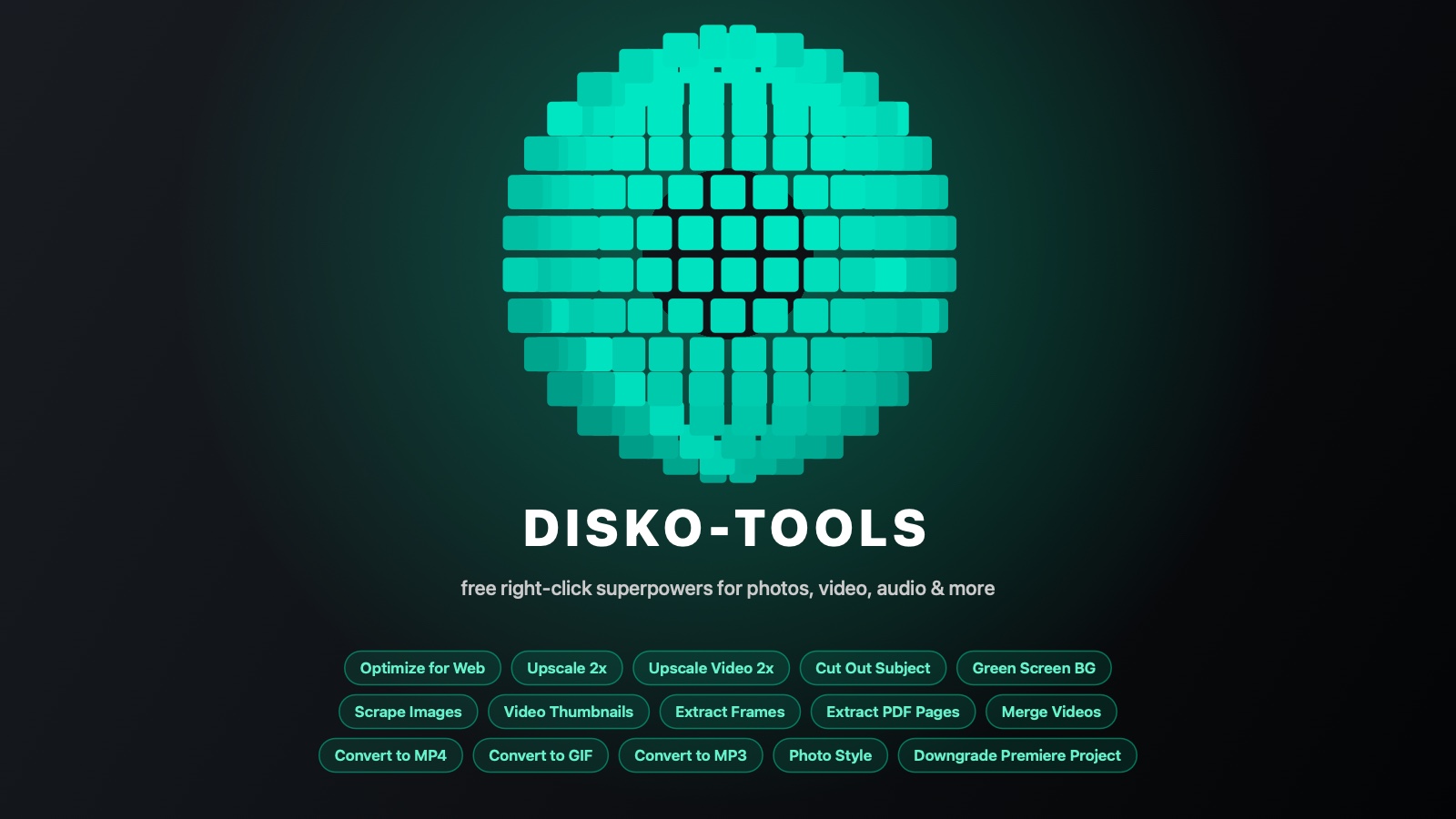
Count what it actually costs to do a tiny media job on a Mac. Shrink a photo for a website: open an editor, wait for it to load, export dialog, quality slider, where-do-I-save. Cut a subject out of one picture: open a giant creative suite, or upload your client's photo to some ad-covered website and hope. Make a folder of thumbnails: contemplate writing a shell script, again. None of these jobs deserve an app. They deserve a verb.
The right-click menu is the app
Disko-Tools installs fifteen of those verbs straight into Finder's right-click menu, under Quick Actions. Select a file — or five hundred files, or a whole folder — right-click, pick the job, done. Results are always saved next to your originals with a clear suffix, and the originals are never touched. There's no window to keep open, no accounts, and nothing ever leaves your Mac.
- Optimize for Web — any image becomes a tight, web-ready JPG; PNGs stay PNG with transparency intact
- Upscale 2x — Real-ESRGAN AI upscaling for images, running on your own GPU
- Upscale Video 2x — AI-upscale footage up to 4K, frame by frame, realistic, with subtle film grain
- Cut Out Subject — neural background removal to a transparent PNG
- Green Screen BG — the same cut-out dropped onto chroma green, ready to key in AE
- Scrape Images — every image in a folder (WebP, AVIF, HEIC, PSD, even RAW) → flat JPGs in _thumbs
- Video Thumbnails — a middle-of-the-video still for every clip in a folder → _videothumbs
- Extract Frames — a still every 10 seconds from a clip, into its own folder, named by timestamp
- Convert to MP4 — any video becomes a web-optimized H.264 at the same resolution
- Convert to GIF — a filmstrip pops up, you drag the in/out points, out comes a lean GIF
- Convert to MP3 — any audio file, or the audio from any video, becomes a high-quality MP3 with tags intact
- Merge Videos — select several clips, get one video, joined in name order
- Extract PDF Pages — every page of a PDF saved as a high-quality JPG, into its own folder
- Photo Style — ten classic wedding looks applied to photos or whole folders: live preview, one exposure slider, film grain, vignette and a soft highlight glow, exported as optimized JPGs into a Disko Styled folder
- Downgrade Premiere Project — copy a beta/newer .prproj so current Premiere opens it (no more version wall)
The one I use fifty times a week
Optimize for Web is the TinyJPG ritual without the browser tab. It decodes basically anything macOS can read — HEIC off an iPhone, WebP some site handed you, a 60-megapixel TIFF — caps it at 4K, converts to clean sRGB, and runs it through mozjpeg-grade compression into a progressive JPG. Hand it a PNG and it does the TinyPNG trick instead: lossy palette compression that keeps transparency. It also strips metadata on the way out, so the GPS coordinates of your house don't ship with your portfolio.
AI without the upload
Upscale Video 2x does the same for footage: it pulls every frame, runs each through the engine's realistic photo model, and rebuilds the clip up to 4K with a light touch of film grain so it reads like a master rather than a plasticky AI render — a local, free run at what a Topaz costs. It's genuinely slow and disk-hungry (realistic AI upscaling always is), so it warns you with a time estimate before a long job; a 1080p clip becomes true 4K, and anything already 4K is left alone.
Folder chores, batched
Scrape Images walks an entire folder tree and turns every image — whatever the format — into flat JPGs in a _thumbs folder, capped at 1920px. Video Thumbnails does the same for footage: it probes every clip, grabs a frame from the middle (not the black frame at zero), and files them in _videothumbs. Run either again later and it only processes what changed. It's the contact-sheet chore, deleted. And when you need the whole timeline rather than one frame, Extract Frames walks a clip end to end and drops a still every ten seconds into its own folder — a storyboard of a video in one right-click, each frame named with its timestamp. PDFs get the same treatment from the other direction: Extract PDF Pages renders every page to a crisp JPG — text and all — into a folder next to the file, so a slide deck or a scanned contract becomes a set of images you can actually drop into anything.
Video, made web-shaped
Convert to MP4 takes anything FFmpeg can decode and produces a web-optimized H.264 at the source resolution — faststart so it streams instantly, HDR footage properly tonemapped instead of washed-out grey. Convert to GIF is the fun one: right-click a video and a filmstrip window appears; drag two handles to pick the range, choose FPS and width, and it exports a palette-optimized GIF that won't get you side-eyed in Slack.
Audio in, MP3 out — and clips into one
Convert to MP3 takes whatever audio lands on your desk — a WAV bounce, an AIFF from a sample pack, a voice memo — and produces a high-quality MP3 with the title and artist tags carried over. Point it at a video instead and it rips just the audio out, so pulling the soundtrack off a screen recording or a music video is a right-click. Merge Videos is for the folder of GoPro segments or phone clips that should really be one file: select them all, right-click, and they're joined in name order, mismatched resolutions letterboxed instead of stretched, silent clips padded so the audio never drifts.
The Premiere version wall, demolished
Every editor has hit this: someone saves a project in a newer (or beta) Premiere, and yours refuses to open it — not because the project uses anything new, but because of a single version number inside the file. Downgrade Premiere Project right-clicks that wall away: it makes a copy of the .prproj with the version stamp reset to what current stable Premiere speaks, so it opens and converts normally. The original file is never touched, and everything else inside is byte-for-byte identical. (Fun engineering note: the version number isn't just a lock, it tells Premiere how to parse the file — so the fix is the smallest possible lie, not the biggest one.)
Free, signed, and honest about it
One installer, signed and notarised by Apple, for Apple Silicon Macs on macOS 14 Sonoma or later. It shows you a real license, ships the open-source credits it owes (FFmpeg and friends do the heavy lifting — they're aggregated as separate helpers, with sources on offer), includes a proper uninstaller, and asks for nothing — no email required to run it, no account, no telemetry. The optional Wicked Sorted Mate component — our free FileBot replacement for Plex, Emby and Jellyfin renaming — rides along in the same installer as a tick-box.
Small jobs deserve verbs, not apps. Now the right-click menu does the work.