A free PluralEyes alternative for Premiere Pro multicam sync
It's 2 a.m. The shoot wrapped twelve hours ago. On your desk: two A-cams, a B-cam, a pair of GoPros, a drone, and a field recorder — and every one of them is convinced it's a different time of day. Nobody clapped a slate. The client wants a cut by Monday. And you, hero of this picture, are about to sync all of it by hand.
For years the move was PluralEyes. Then it got folded into a suite, then a subscription, then it started choking on the exact messy dumps it was built for. The tool that used to save your night now wants a monthly fee to maybe work. Hard pass.
Syncing by hand is a boss fight you can't win
Scrubbing waveforms, nudging clips a frame at a time, praying the drone didn't drift — that's not editing, that's hostage negotiation. And on a long take, two cameras that started together are half a second apart by the end, because their clocks quietly disagree. You don't find out until the client does.
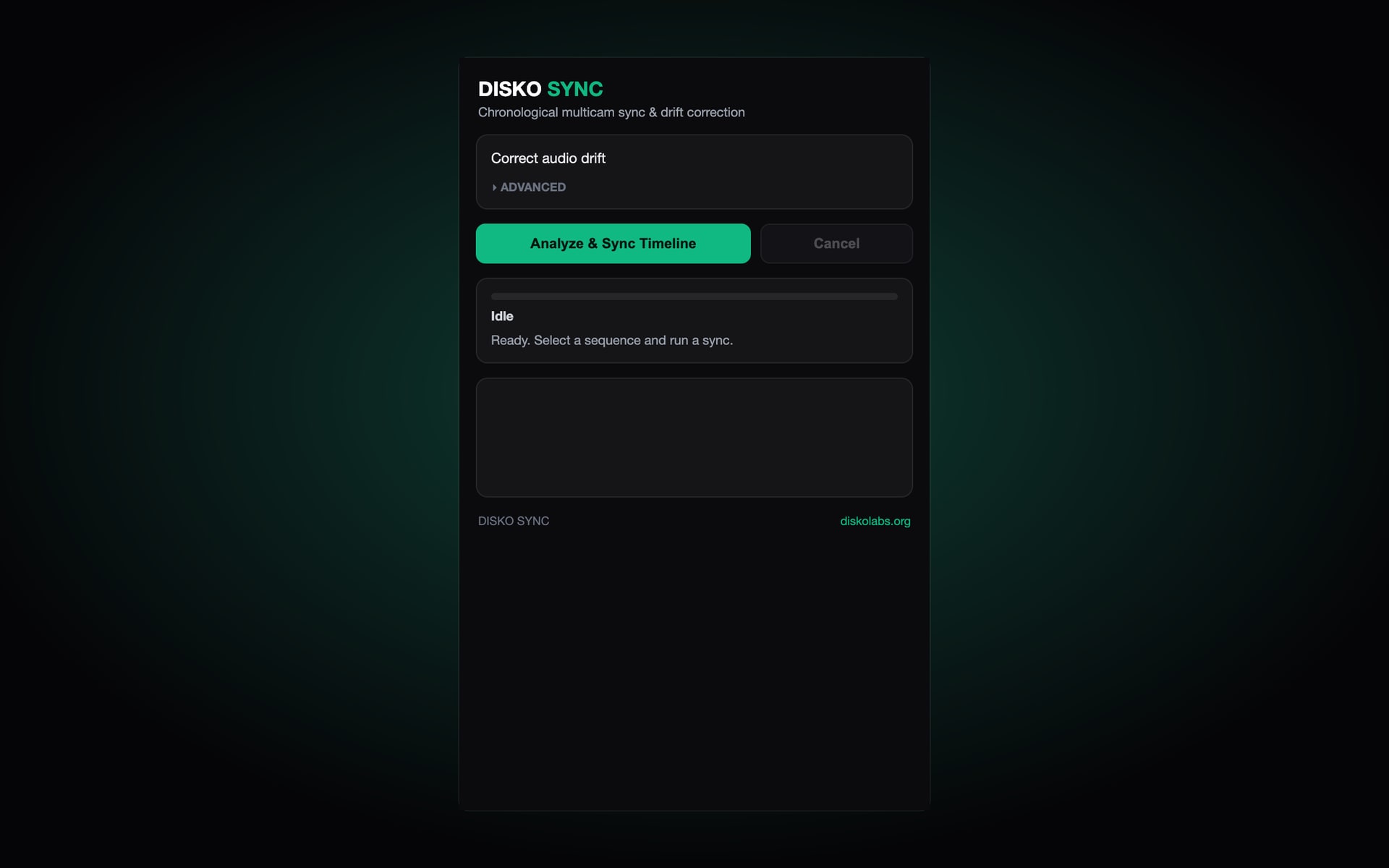
DISKO Sync does it in one click. Free. On your Mac.
- Lines up A/B cams, GoPros, drones and field audio by the waveform itself
- Measures clock drift on every camera — and can split a long take so it stays locked end to end
- Drops each camera on its own track, in the right order, automatically
- Runs 100% on your machine — nothing uploads, nothing phones home
How it actually pulls it off
It doesn't need a clap, and it doesn't care that your B-cam thinks it's 2001. DISKO Sync reduces every clip to its onset envelope — the rhythm of hard sounds like consonants, footsteps and door slams that hit at the same instant on every mic in the room — and uses each camera's own clock to know roughly where every take belongs. A match only counts when several clips agree, then it is locked to within a frame. Silent b-roll like drone shots lands by its own clock, clearly marked, instead of being jammed in the wrong spot. And it builds a new sequence: your original is never touched.
How to start
Install the panel, drop the whole shoot onto a sequence, hit Sync timeline, go make coffee. It's free and it lives on the DISKO Labs downloads page. PluralEyes can keep the invoice.
Drop the whole shoot on a timeline, hit sync, and walk away the hero.