Auto-organize your music library and prep DistroKid releases
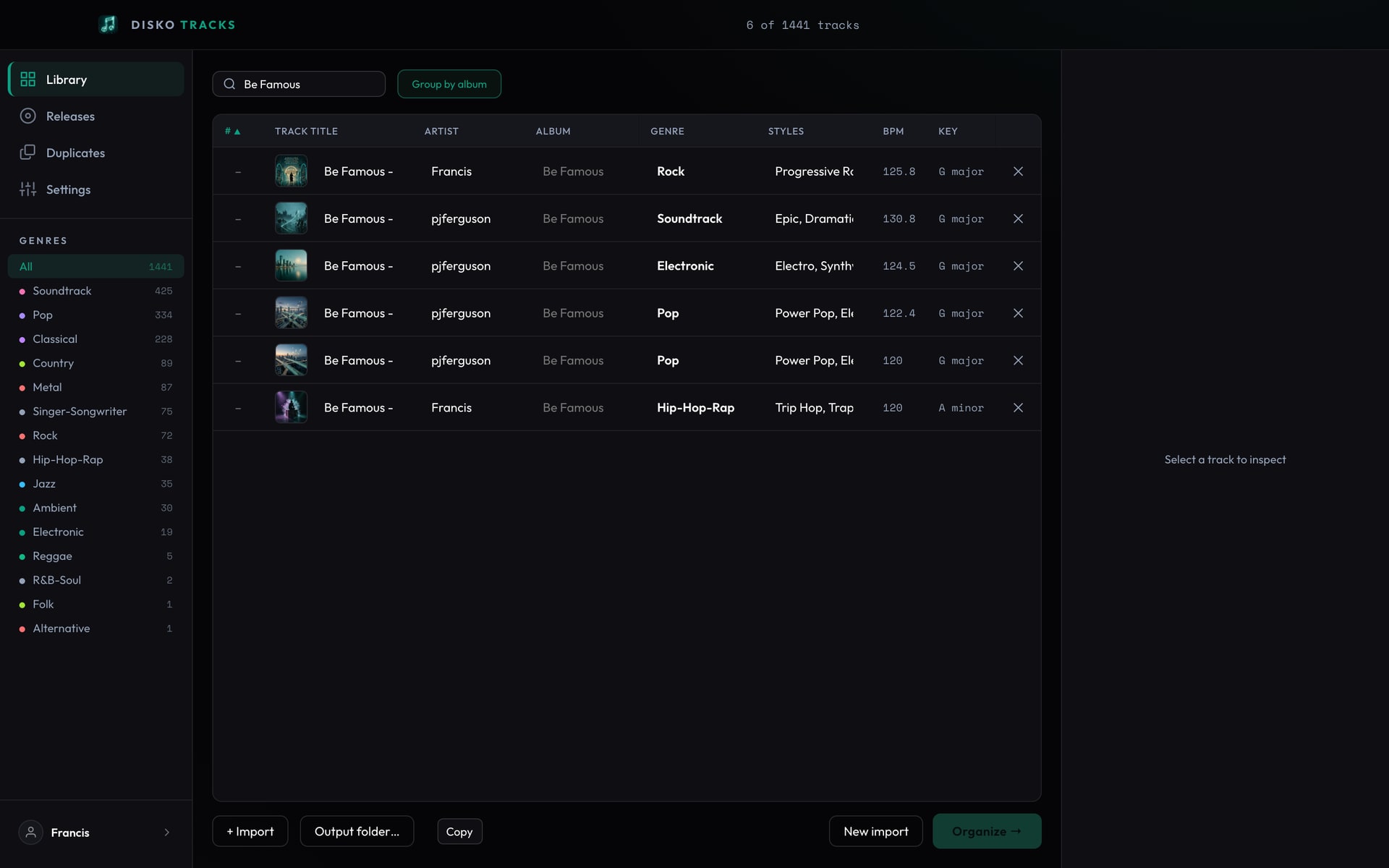
Open your beats folder. I'll wait. There it is: untitled_2.wav, FINAL_mix.wav, FINAL_mix_REAL.wav, asdf.wav, and forty things just called bounce. You made every one of these. You remember none of them. This isn't a music library, it's a crime scene.
Tagging it by hand means auditioning every file and typing in genre, style, and a title you'll regret. Nobody finishes that. So the folder grows, the release never ships, and the best track you ever made is buried alive under untitled_final_v7.
It listens, then does the paperwork
- Zero-shot genre + style tags straight from the audio via CLAP — 15 genres, 90+ styles
- Acoustic duplicate detection folds near-identical takes and keeps the best-sounding one
- Albums grouped automatically by shared title
- DistroKid-ready packages: editable metadata, per-field copy buttons, CSV export
New in 1.1: finish it in Logic Pro
Found a bounce worth finishing? One button in the Studio tab turns it into a Logic Pro kit: MIDI for the drums, bass, keys, guitar and synths on the song's own tempo map, with the key, chords and section markers already in place, the stems lined up to match, and playable instruments cut from the track itself wherever it has clean notes to sample. Open it in Logic and start producing instead of re-programming the song from memory.
Built for the part everyone dreads: release day
When it's time to distribute, every DistroKid field is right there and editable, with per-field copy and a Copy All, and Organize writes a clean package you hand straight to upload. And it never touches your originals — your masters stay exactly where you left them, untouched and undeleted.
From a cursed bounce folder to a DistroKid-ready catalog, without leaving your Mac.