The honest state of video converters: HandBrake, Adobe Media Encoder, and the online mess
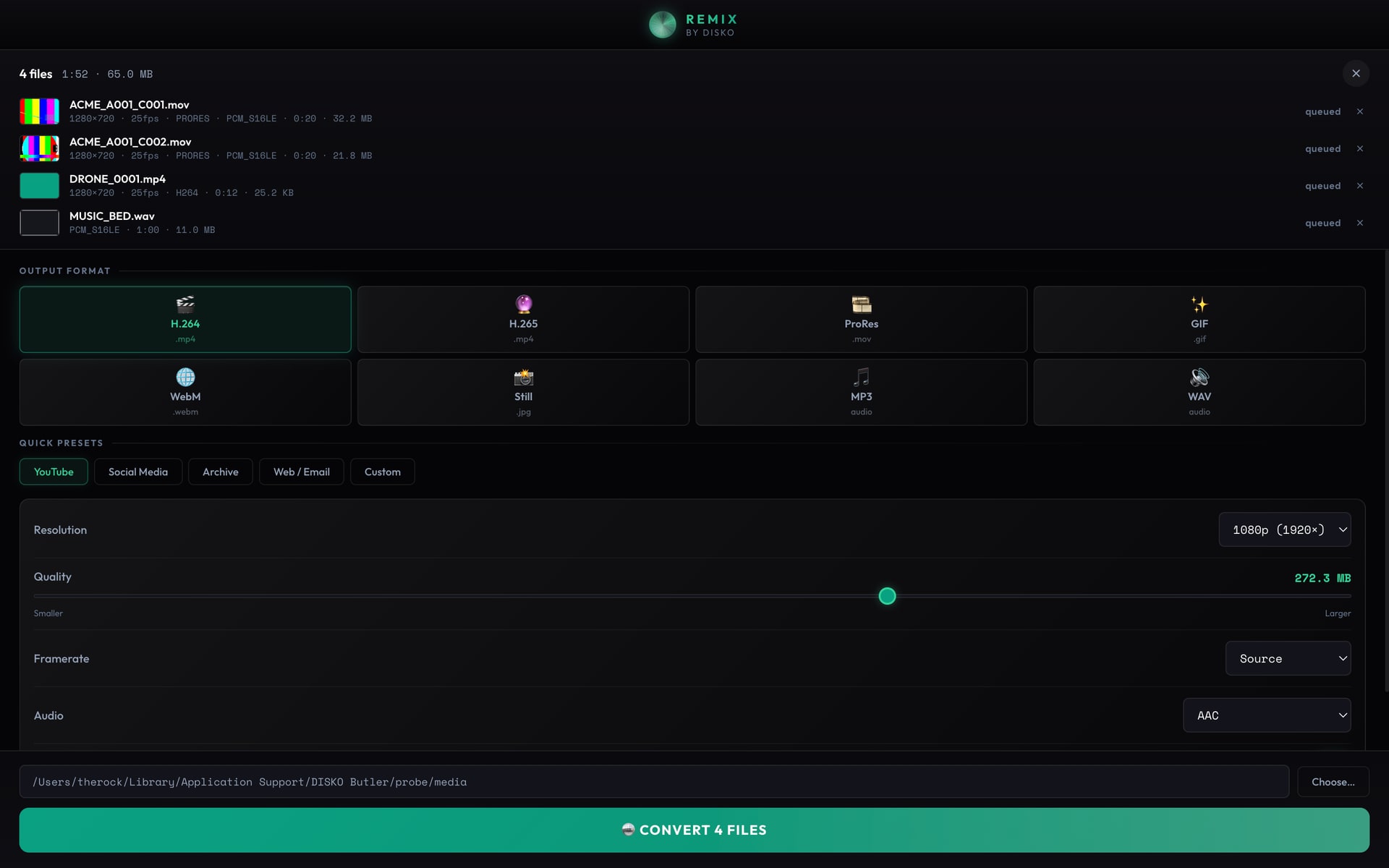
Every couple of weeks I need to turn one video into a slightly different video. A smaller file to email. An MP4 a client's ancient Windows laptop will actually play. An H.264 version of something a camera spat out in a codec nobody's heard of. It should be a five-second job. Somehow it never is. So here's the honest lay of the land in video conversion, from someone who just wants the file.
HandBrake: free, powerful, faintly hostile
Let me be clear — HandBrake is great and I'm glad it exists. But open it for the first time and you're staring down RF quality sliders, x264 presets, tune dropdowns, anamorphic settings, and a tab called Filters that you will never touch on purpose. All I wanted was "make this an MP4 that plays everywhere." The defaults are actually fine, but you don't know that yet, so you Google "best HandBrake settings," fall into a 20-minute forum spiral, and emerge with opinions about CRF values you didn't ask to have. Brilliant tool. Brutal on-ramp.
Adobe Media Encoder: good — if you can spare the time and the rent
Media Encoder does the job and the output is rock solid. Two catches. First, the launch time is genuinely a meme — you double-click it and have time to make a coffee and check your email before the queue window deigns to appear. Second, it lives inside Creative Cloud, so a one-off transcode means paying Adobe rent every month, forever, and keeping a multi-gigabyte app installed just in case you need to flip a file to H.265. That's a lot of overhead for "please make this smaller."
Online converters: just, no
Search "convert mp4 online" and you get a minefield of fake Download buttons, a 100 MB file cap, a countdown timer, and the small detail of uploading your client's footage to a stranger's server in an unknown country. For anything real it's dead on arrival — privacy aside, nobody's pushing 4 GB up their home internet and then pulling it back down just to change a container.
What a converter should just do
- Open instantly — no splash screen, no sign-in
- Presets a normal person understands: "MP4 for everything," "smaller file," "audio only" — without burying the advanced knobs for when you want them
- Use the machine's hardware encoder so a transcode is seconds, not a lunch break
- Batch a whole folder at once
- Never upload your footage anywhere
That gap is the entire reason DISKO Remix exists. It leans on your Mac's media engine for speed, ships presets that don't require a forum degree, and stays completely local. HandBrake is still the power tool when you genuinely want the knobs — this is for the other 90% of conversions that should've been one click.
I don't need a flight simulator. I need the file in the format I asked for.