How to search hundreds of hours of documentary footage by what was said
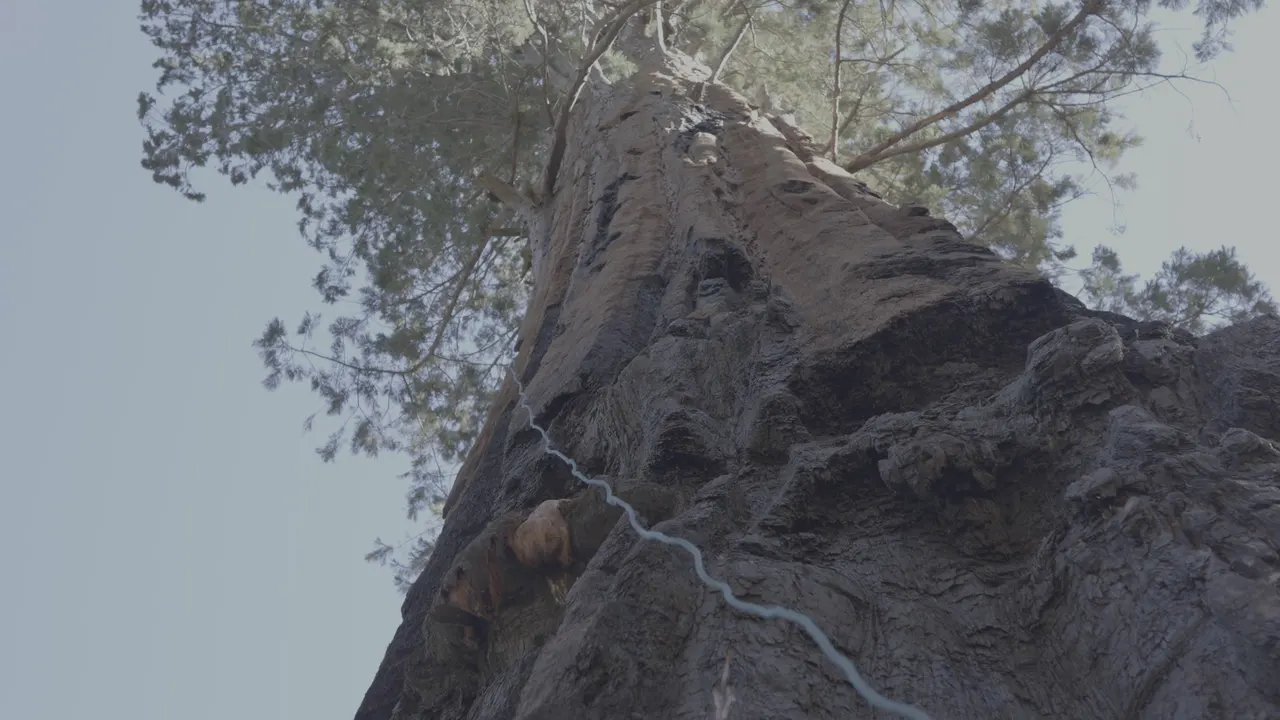
DISKO is a media asset manager that searches documentary footage by what was said, what happens in a shot and what is written on screen, on your own computer. We make documentaries, and our library is a few hundred hours of interviews and b-roll from forests, fires and the people who study them, in files named things like C5183.MP4. Here are five real searches from it, with the frame each one found. People are left unnamed here; in the app you name them once.
Search 1: a word someone said
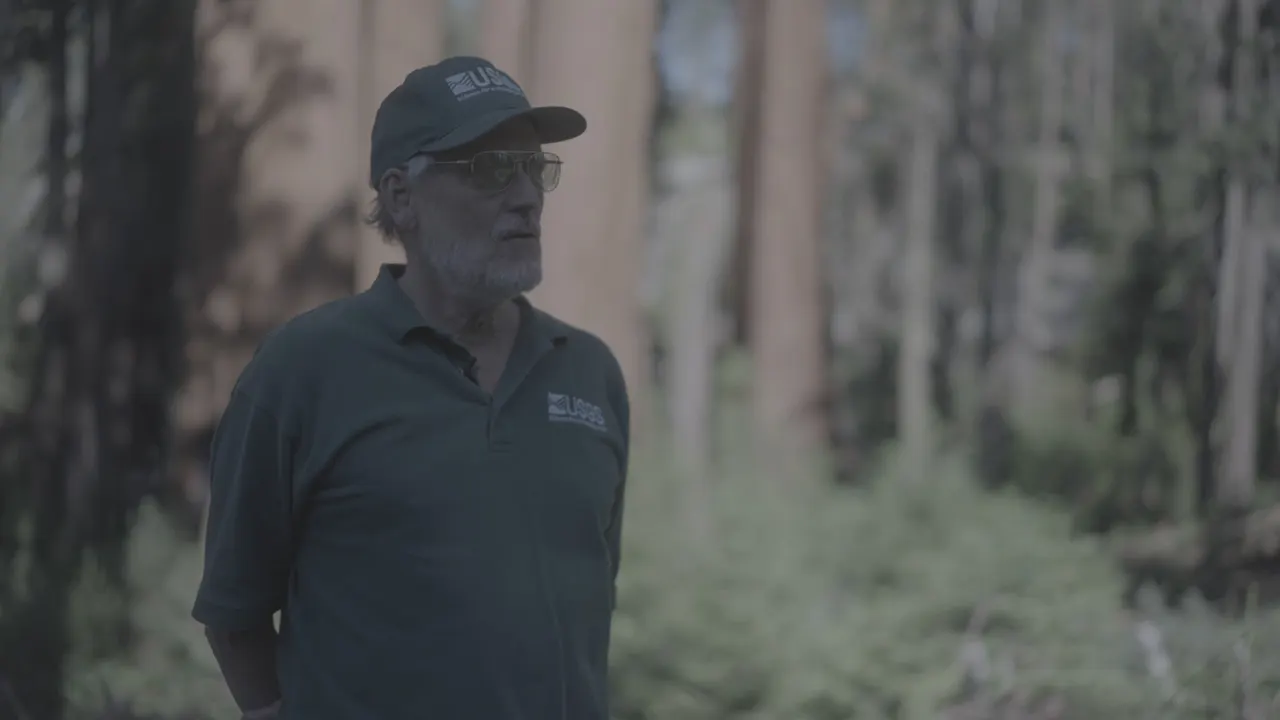
Type wildfire and DISKO lists every line where someone says it. One of them comes from an hour-long interview: "Right now, much of the research on giant sequoias is being driven by recent wildfires." Click it and the clip plays from that word. Every interview is transcribed on your machine, with speaker labels, in more than 50 languages. Name a voice once and you can search only what that person says.
Search 2: something that happens
No tag says that, and the file name, C5183.MP4, certainly doesn't. DISKO watches every clip from start to finish and writes down what happens, moment by moment, with the time each moment starts. So a plain sentence finds the moment, not the top of a twenty-minute file.
Search 3: the words on a sign
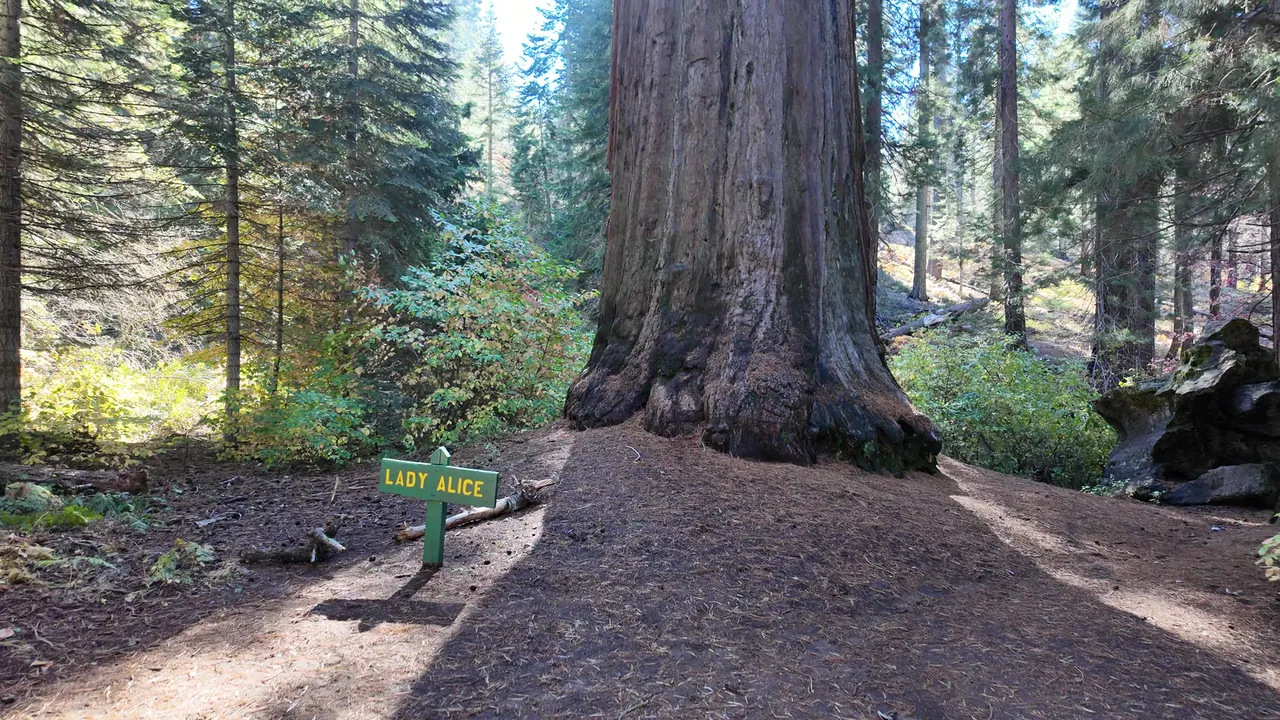
text: searches only the words DISKO read off the frames: signs, slates, title cards and lower thirds. Out of hundreds of trail shots, it comes back with the one that has that sign in it.
Search 4: a shot from years ago
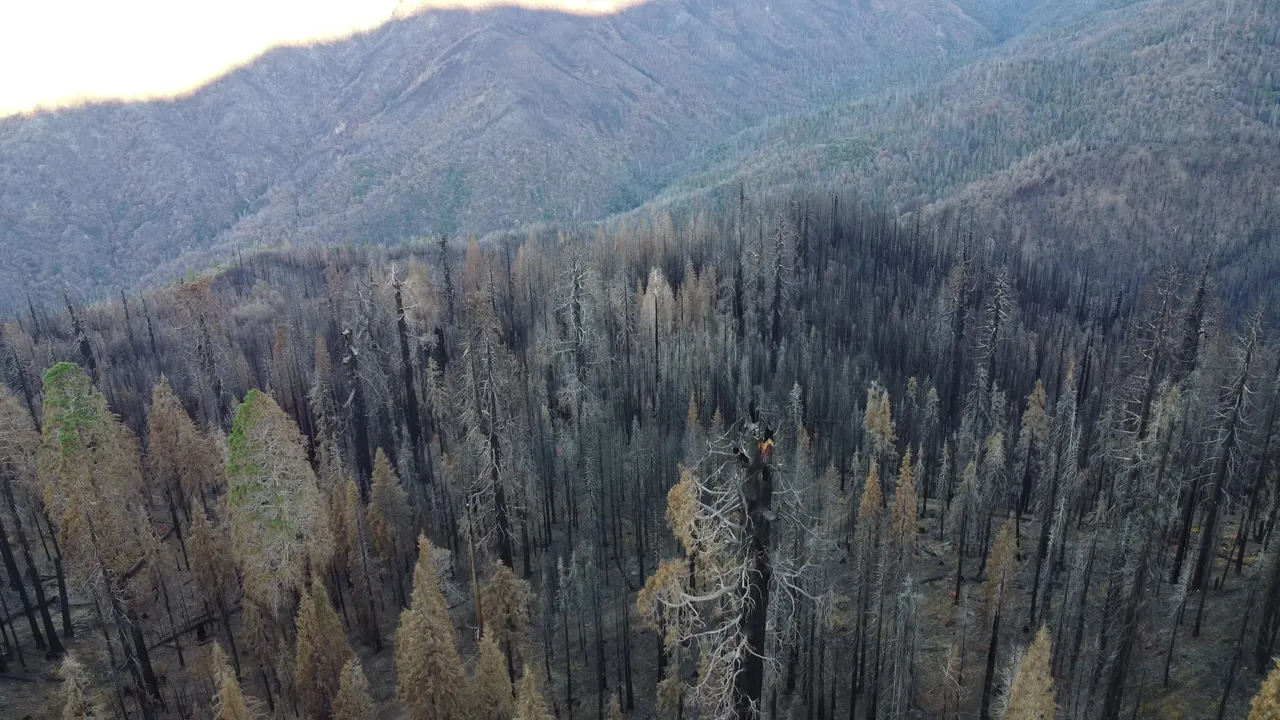
It pulls aerials from a 2021 shoot, four years before the interviews they now get cut against. Unplug the drive and those clips stay in the library, searchable from what DISKO already read, until you plug it back in.
Search 5: the thing nobody tagged
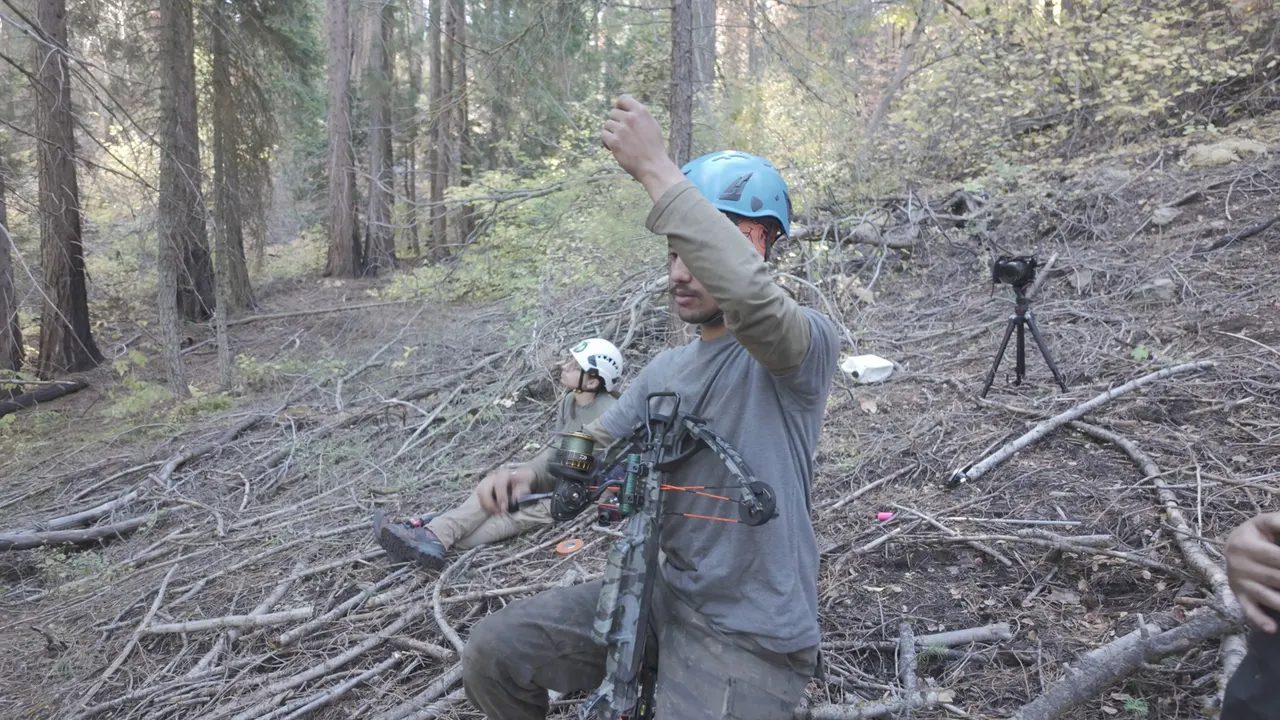
That is a tree climber with a bow, which is how climbers get a line over a high branch. Nobody tagged it. DISKO described it, and the description is what search reads.
New: play every match, leave out the rest
Once a search comes back, DISKO can play every match in a row, each from the moment it was found: the line, the shot, the sign. Like the reel? Send it straight to Premiere Pro or DaVinci Resolve as a stringout. And when a search pulls in too much, put a dash in front of what you don't want: wildfire -smoke, or -"chain saw" for a whole phrase.
What happens overnight
- Offload: every card copied through DISKO is checksum-verified on the way in, and the library fills in while the copy runs.
- Descriptions: every clip described moment by moment, with the time each moment starts.
- Transcripts: every word, with speaker labels, offline.
- Text on screen: signs, slates and lower thirds, read and searchable.
- Faces: name someone once and DISKO finds them across every drive and every year.
All of it runs on your own machine. Nothing uploads unless you send it. When it is time to cut, the Assistant Editor helps: it syncs cameras and sound, trims dead air, strings out the footage, writes the transcript and builds a first assembly from your brief, all in one Premiere Pro or DaVinci Resolve project. It isn't there to replace the editor. It gives you a head start, and every cut stays yours to change.
Nobody remembers what is in C5183.MP4. Now nobody has to.
DISKO Desktop
Professional Media Asset Management for Mac
Start free 7-day trial Open DISKO Cloud All apps