DISKO Butler: three one-click cleanups for Premiere Pro, free
Every editor has that project. Forty video tracks that started as four. A Project panel where "New Bin 7" sits next to "New Bin 7 copy" and the music lives in a folder called "PRIVATE". A client who wants "just the files for this cut" and a Sunday spent dragging them out one by one. DISKO Butler is a free Premiere Pro panel with three buttons for exactly those three Sundays.
Three buttons, plain English
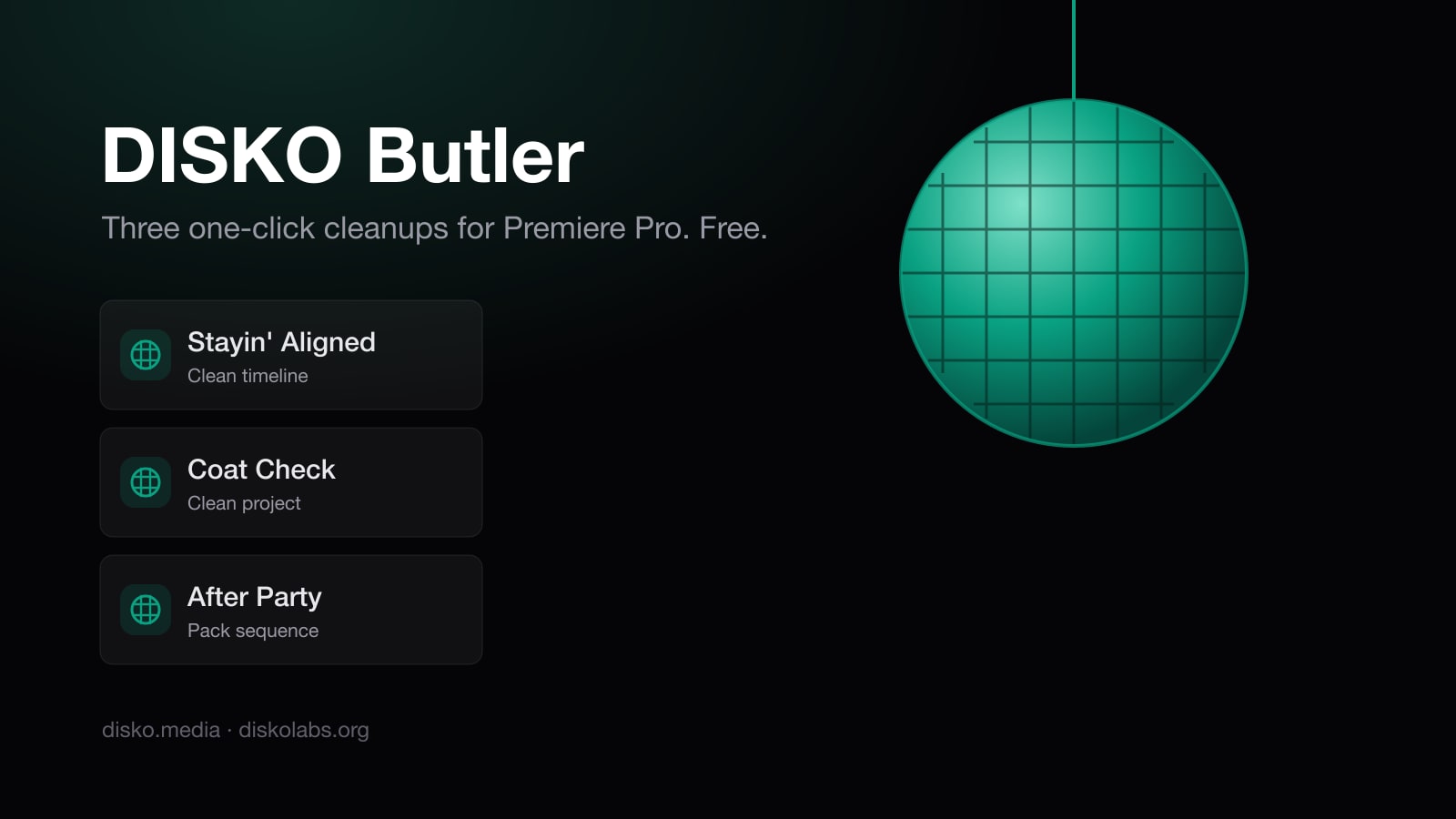
Stayin' Aligned cleans a timeline. It makes a copy of your sequence called "<name> (Clean)" and tidies the copy: clips drop onto as few tracks as possible without changing a single frame of what you see or hear, audio regroups into Dialogue, SFX and Music lanes, and the tracks get named for what is on them. Your original sequence is never touched. Not "backed up first" — never edited, by design.
Coat Check cleans a project. It sorts the Project panel into _PROJECTS, FOOTAGE by camera (with real names, "Sony A7S III" rather than "ILCE-7SM3"), IMAGES, GRAPHICS, SOUND split into Music, SFX and Dialogue, and an UNUSED bin for media no sequence uses. Nothing is deleted, ever. A file you dragged in twice becomes one file. Bins you named yourself keep everything inside them; if one is clearly a footage bin it moves under FOOTAGE whole. It saves your project and keeps a backup before it starts, and there is an Undo button.
After Party packs a sequence. Pick a folder and Butler copies everything the sequence uses — footage, sound, graphics, proxies, sidecar files, the spanned RED and P2 clips that break when you copy half of them — into that folder, laid out the Coat Check way, plus a small project file that opens with just that sequence, relinked to the copies, plus a plain-text report of what was and was not collected. Untick "include unused media" (it is off by default) and you get a lean hand-off. Cancel halfway and run it again later; it picks up where it stopped. Butler 1.2 added more ways to pack: folders like the original drive, a proxies-only travel pack, verified copies, an XML of each sequence and more; the After Party post has the list.
Why it is careful to the point of paranoia
Premiere's plugin API cannot move a clip to another track. It can only make a copy on the new track and remove the original. So every "move" Butler makes is two operations that must land perfectly, hundreds of times, on a copy of your work. We did not want to trust that.
So Butler checks Premiere's live state after every batch: every clip that existed must still be there with the same start and end, and nothing may appear that Butler did not place. If anything is off, it deletes the copy and tells you exactly what changed — and your original was never in the game. Clips that cannot be moved faithfully (linked audio, clips under a transition, anything on a track you named yourself) stay where they are, and the result card says how many and why.
We also ran a probe plugin against Premiere itself before shipping, because the documentation does not tell you whether a copied clip keeps its speed ramp, whether removing a video clip takes its linked audio with it, or which direction "one track up" is for audio. (It is the opposite of video. Nobody tells you that.)
What stays yours
Butler never goes online. It has no account, no analytics, no telemetry, no "pro" tier. It never deletes a media file. It works with or without DISKO desktop, and the same three buttons are built into the DISKO panel from the next DISKO release.
Install it
It needs Premiere Pro 26.3 or later on a Mac.
- Quit Premiere Pro.
- Open the disk image and double-click Install DISKO Butler.pkg. It is signed and notarized, and it installs the panel for your user; nothing runs in the background.
- Open Premiere Pro and choose Window ▸ UXP Plugins ▸ DISKO Butler.
Hover any button in the panel and it tells you, in a sentence, what it does and what stays safe. That sentence is the contract.
If Butler ever gets a project wrong, the result card has a "Copy details" button. Paste that into an email to support@disko.media and we will fix it.