Why we're not teaching AI to edit
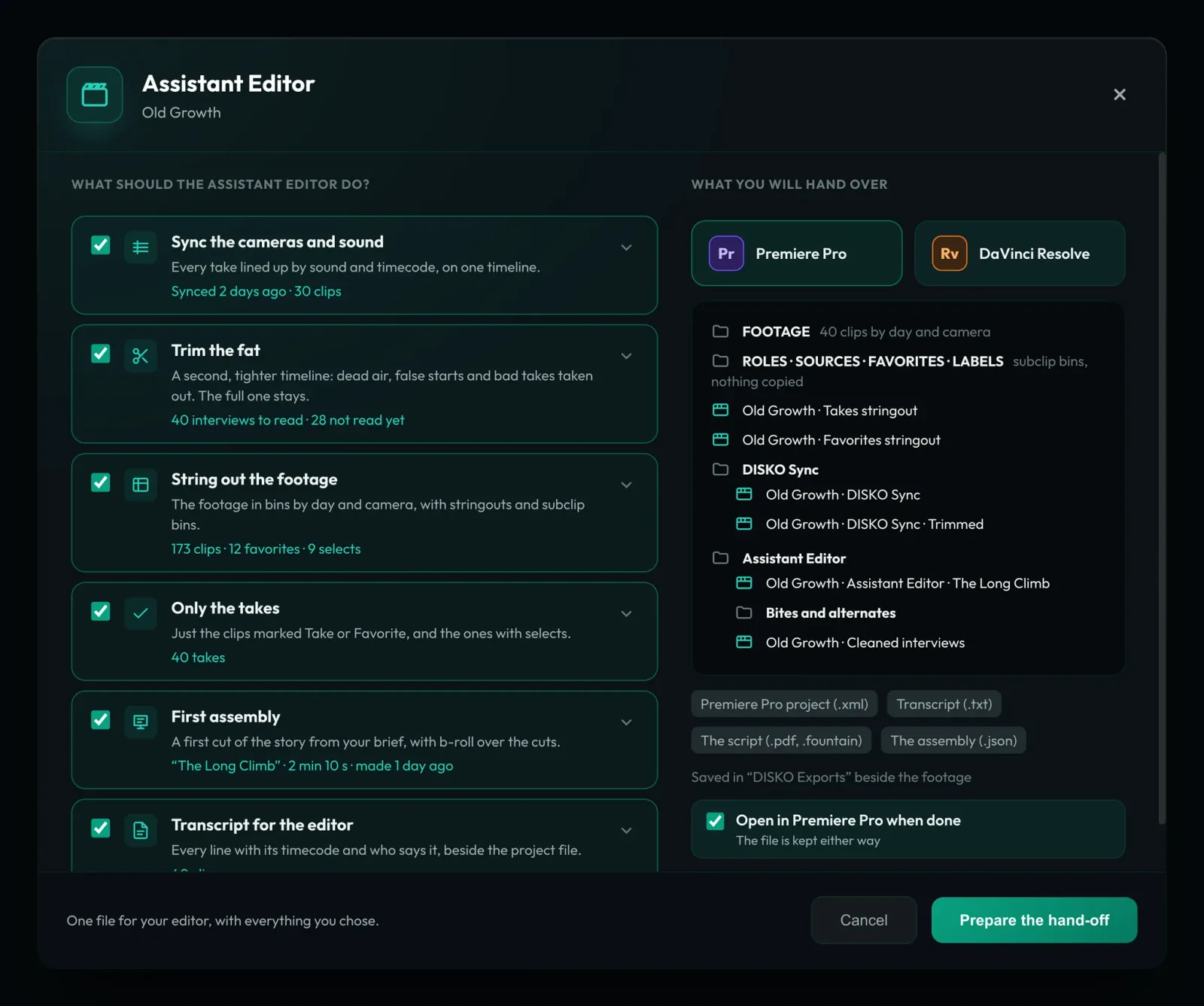
Look: there are a lot of people trying to teach AI to edit. I think that's a dumb idea.
1. AI doesn't inherently have anything to say.
Even if AI becomes infinitely good at copying a given editing style, it will not be bringing a unique, subjective experience to individual editing choices.
Every editorial choice encodes a subjective decision about emotion, story and rhythm; not to mention the coherency of 3D space, eyelines, etc. (see Murch, Walter)
Which brings us to point number 2:
2. Editing is INCREDIBLY subtle, but it's also already pretty fast thanks to existing NLE software.
You can certainly make granular AI prompts about every edit, but at that point it is faster to make the changes yourself, unless you don't know anything about editing, in which case you will be incapable of knowing what to prompt.
I have no doubt there will be a plethora of "AI Editor" black boxes that you dump footage into and then get some slop out the other side. They may be the best solution if what you genuinely want is a high volume of slop.
But if you're an editor looking for tools to make your job a little easier and give you space to be more creative, then we built this for you. (Really we built this for ourselves, and hopefully it can help you too)
-Andy
What we built instead
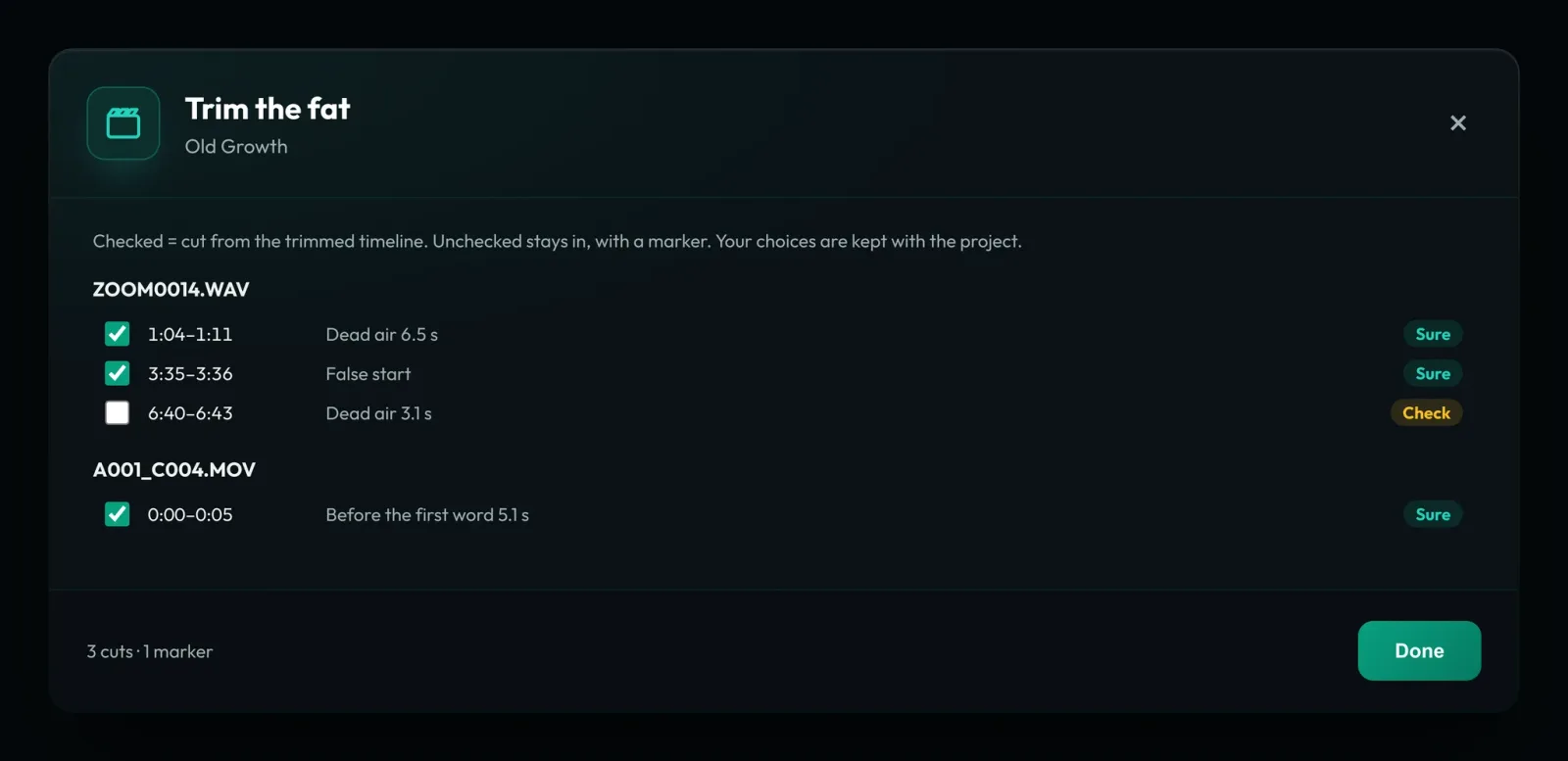
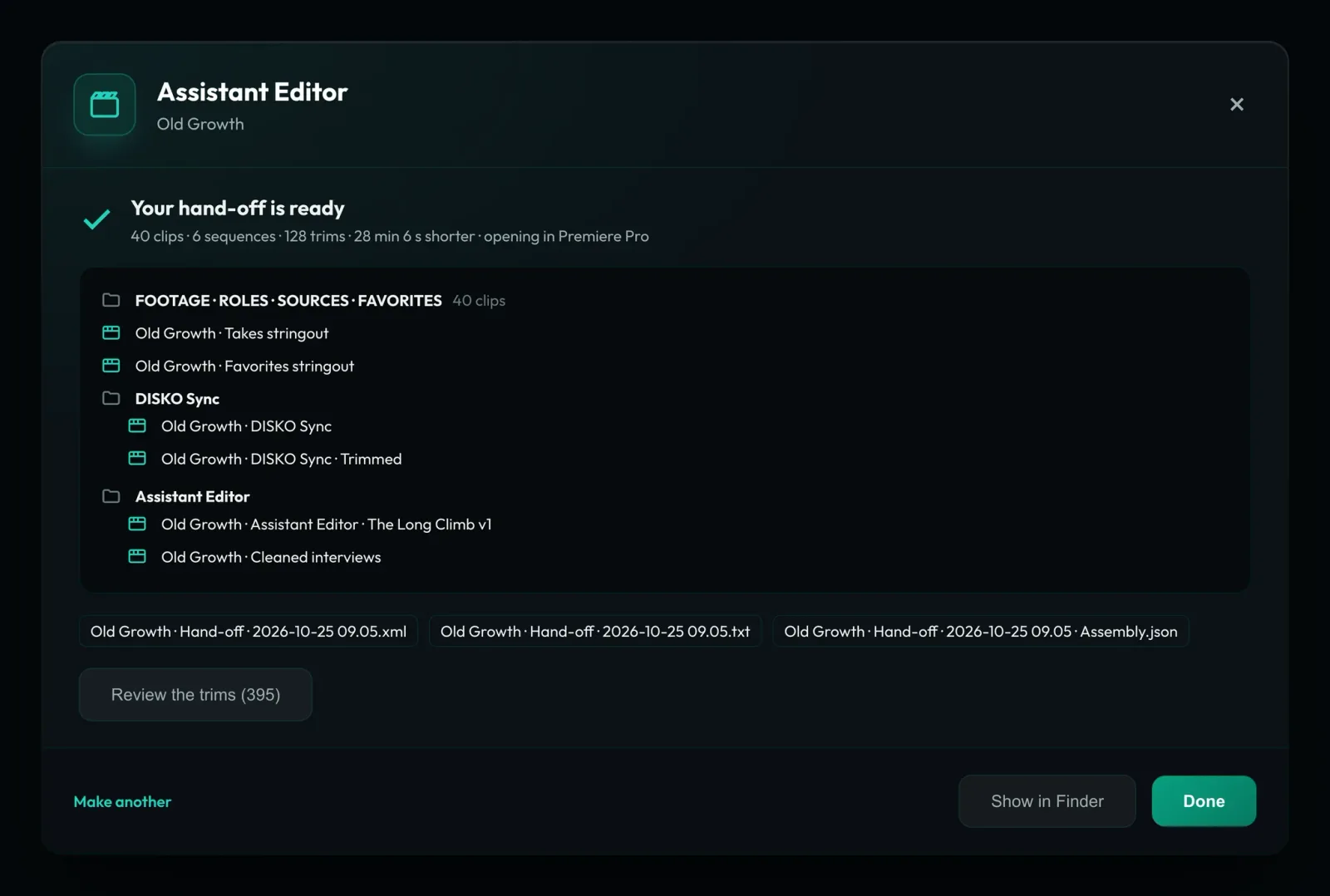
DISKO Desktop
Professional Media Asset Management for Mac
Start free 7-day trial Open DISKO Cloud All apps