DISKO Flow: an AI slow motion and frame interpolation plugin for After Effects
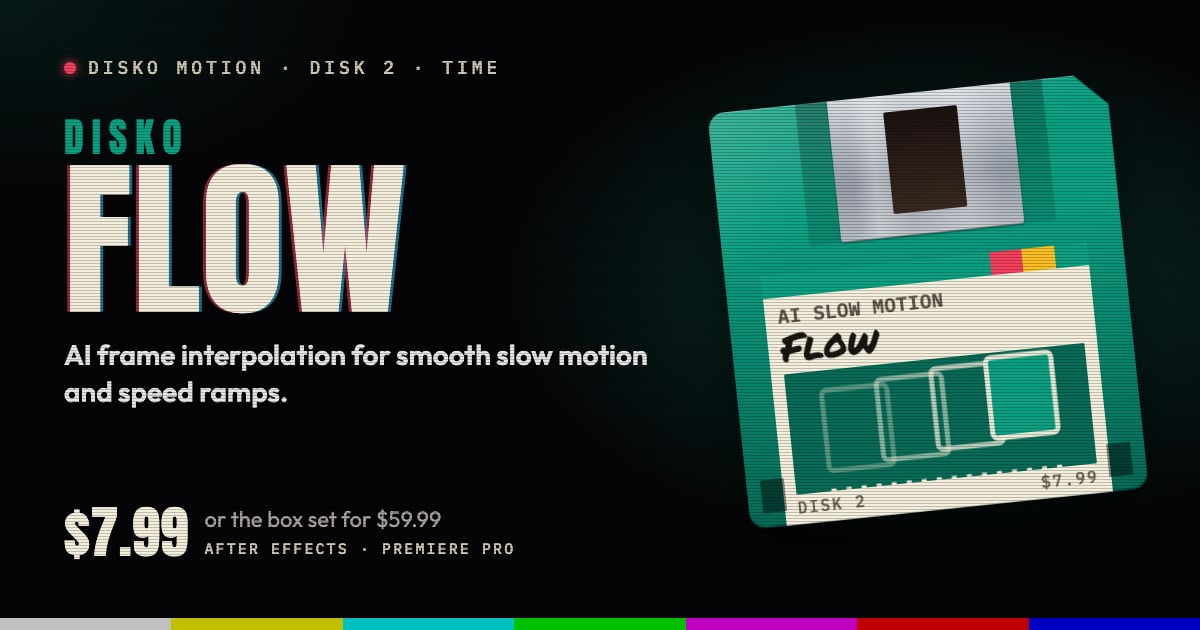
DISKO Flow is an AI slow motion and frame interpolation plugin for After Effects and Premiere Pro. It retimes footage with a neural optical-flow model running on your GPU, and generates real in-between frames instead of blending the ones you already have. Keyframe a speed ramp, or drive the exact source frame yourself.
The problem: you didn't shoot it slow
This summer. One perfect moment. Twenty-four frames a second. It was not enough.
That's the trailer for most slow-motion requests. The shot was filmed at normal speed and now the edit wants it at a quarter of that. Stretch it in the timeline and every frame plays four times, so it stutters. Turn on frame blending and each new frame is two old ones laid on top of each other, so anything that moves gets a ghost. Neither looks like slow motion. Both look like a clip that has been stretched.
How Flow does AI slow motion with frame interpolation
Flow looks at the frames either side of each gap and works out, with a neural optical-flow model, where each part of the picture moved. Then it builds the frames in between from that motion, on the GPU: Metal on a Mac, Vulkan on Windows.
It doesn't throw your footage away to do it. Flow starts from an exact blend of the source frames and adds the model's correction on top, so the result keeps the source's full precision, at 8, 16 or 32 bits per channel.
Cuts are where interpolation usually falls apart, because a frame halfway between two different shots is nonsense. Artifact Protection holds the nearest real frame through cuts and chaos instead of inventing one.
The controls that matter
- Timing Mode: retime by Speed, or by Source Frame.
- Speed (%): keyframe it for ramps and holds, or drive it with an expression. Flow integrates the speed over time, which is a fancy way of saying the clip follows the curve you drew.
- Source Frame: name the exact source frame for each moment, for retime curves that have to be exact.
- Quality: Fast, Clean or Maximum. Work in Fast, render in Maximum, or meet in the middle.
- Artifact Protection: holds the nearest real frame through cuts and chaos.
- Source FPS rounds out the six.
Good for
- Slowing down a moment that was shot at normal speed
- Speed ramps: full speed into the action, slow through it, full speed out
- Holds in the middle of a ramp
- Retimes that have to land on an exact frame, through Source Frame mode
- Sports, dance, action and drone shots that deserve a second look
Requirements and price
DISKO Flow runs in After Effects 2024 or later and Premiere Pro 2024 or later, on macOS 12 or later (Apple silicon and Intel) or Windows 10 or 11, 64-bit. It needs a GPU: Metal on macOS, or Vulkan 1.1 on Windows with a current graphics driver. Frames can be up to 16 megapixels.
Flow is $7.99, once. It's also one of the disks in the DISKO Motion V1 box set, $59.99 for the whole set. There's no subscription, every 1.x update is free, and when V2 arrives it will be a paid upgrade you can skip, because V1 keeps working.
The trial is the whole effect, every control included. Renders carry a DISKO MOTION TRIAL watermark until you enter a license code in Effect Controls > Options (in After Effects, Window > DISKO Motion License.jsx works too). Codes work offline, on up to three computers you use.
Flow is one disk on the DISKO Motion shelf. The overview has the rest, the box set, and why any of this comes on floppy disks.
More frames than you shot, and none of them blended.
DISKO Motion
A suite of effects for After Effects and Premiere Pro
Browse the Motion aisle The box set for $59.99 All apps