A Timewarp alternative for After Effects: AI slow motion without the ghosting
If you've slowed footage down in After Effects any time in the last fifteen years, you've met Timewarp. It was the move: drop it on a clip, set the speed to 50, switch the method to Pixel Motion, and watch frames appear that the camera never shot. It still has a soft spot in our hearts, and it's still sitting in your copy of After Effects, free.
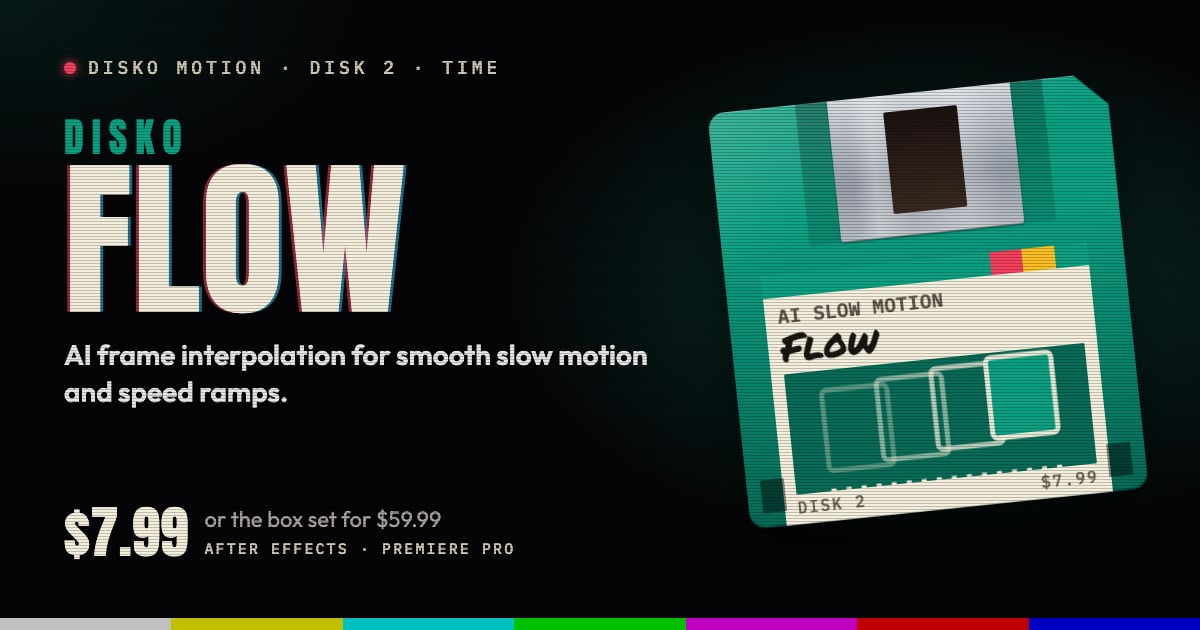
It's also much the same effect it was back then. DISKO Flow is what slow motion looks like when a neural model draws the frames in between: on your own GPU, paid for once.
Where Timewarp gives up
Timewarp's Pixel Motion works out where the pixels went with classic optical flow, then warps and blends the frames you shot to fill the gap. On a slow pan that's fine. Ask it for quarter speed on anything quick and the guesses start to show: a hand turns to taffy, spokes melt into the background, and anything that passes in front of something else leaves a ghost behind. It's the sequel where everyone can tell it's the stunt double.
The workarounds are the old ones too: render it again with a different Vector Detail, mask the worst frames, or fall back to Frame Mix, which swaps the warping for a dissolve.
How Flow draws the frames in between
Flow hands each gap to a neural optical-flow model (RIFE) that has learned what motion looks like, including the hard parts: things that cross, turn and disappear behind each other. It builds real in-between frames from that motion on the GPU, Metal on a Mac and Vulkan on Windows.
It doesn't throw your footage away to do it. Flow starts from an exact blend of the source frames and adds the model's correction on top, so the result keeps the source's full precision. Match Sharpness keeps the new frames as crisp as the real ones, so textures never pulse as a shot frame gives way to a made one. And Artifact Protection holds the nearest real frame through cuts and chaos, where any interpolator would only be guessing.
Switching from Timewarp
- Speed (%) does what Timewarp's speed did. Keyframe it for ramps and holds, or drive it with an expression.
- Source Frame mode is for exact retime curves, like Timewarp's Source Frame: keyframe which source frame shows when.
- Quality: Fast while you cut, Clean or Maximum for the render.
- Artifact Protection for the frames around a cut.
- Source FPS when the footage's frame rate needs spelling out.
- 8, 16 and 32 bpc.
When is Timewarp still enough? A gentle slowdown on a slow, steady shot. It's built in and it's quick. When the shot moves, Flow is the one that keeps up.
No credits, no meter
A lot of the shiny new AI tools elsewhere run on credits: every take you try spends a little more, and the meter keeps running while you work out what you want. Flow runs on your machine. You buy it once, render as many takes as the shot needs, and nothing ticks while you do it. No account to keep topped up, and no footage leaving your computer.
Requirements and price
DISKO Flow runs in After Effects 2024 or later and Premiere Pro 2024 or later, on macOS 12 or later (Apple silicon and Intel) or Windows 10 or 11, 64-bit. It needs a GPU: Metal on macOS, Vulkan 1.1 on Windows with a current graphics driver, for frames up to 16 megapixels.
Flow is $7.99, once. It's also one of the disks in the DISKO Motion V1 box set, $59.99 for the whole set. There's no subscription, every 1.x update is free, and when V2 arrives it will be a paid upgrade you can skip, because V1 keeps working.
The trial is the whole effect, every control included. Renders carry a DISKO MOTION TRIAL watermark until you enter a license code in Effect Controls > Options (in After Effects, Window > DISKO Motion License.jsx works too). Codes work offline, on up to three computers you use.
More frames than you shot, and none of them blended.
DISKO Motion
A suite of effects for After Effects and Premiere Pro
Browse the Motion aisle The box set for $59.99 All apps