Add motion blur in post in After Effects that follows the real motion
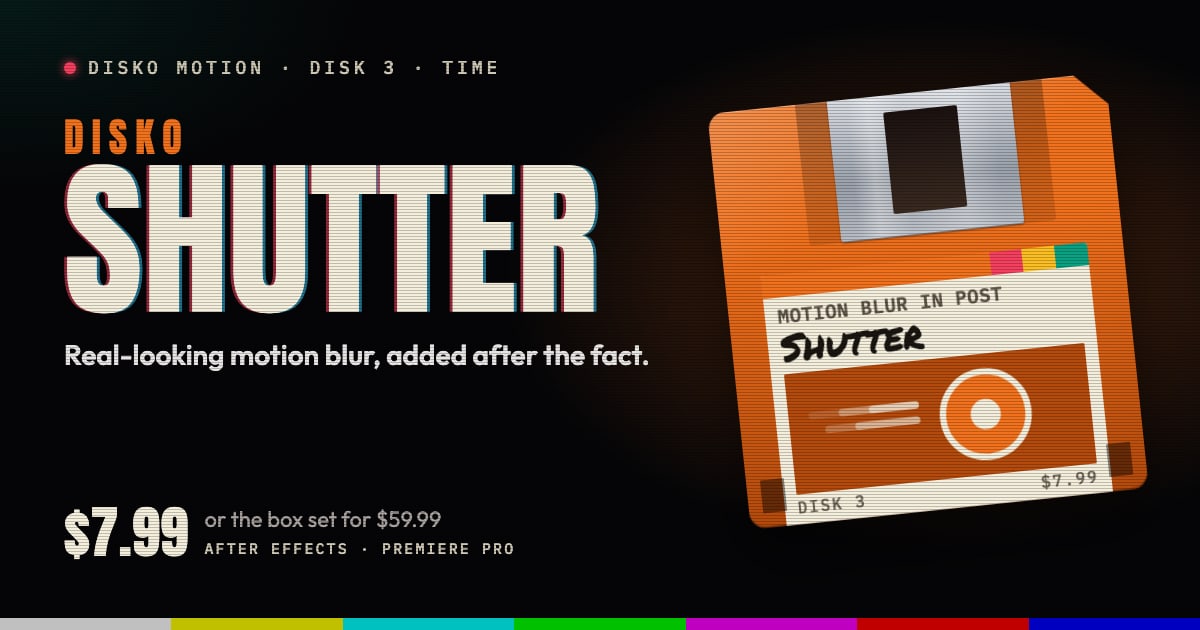
DISKO Shutter is a way to add motion blur in post in After Effects and Premiere Pro, real-looking blur added after the fact. It builds motion maps between neighboring frames with a neural model, then integrates exposure along each pixel's real path, so the blur follows rotation, parallax and complex motion instead of smearing. Pick a shutter angle from 0 to 360 degrees and render.
Why footage ends up without motion blur
Plenty of things arrive crisp when they shouldn't. Footage shot with a fast shutter on a bright day. CGI rendered with motion blur switched off to save time. Screen recordings and game capture, which never had a shutter to begin with. Every action hero of the 80s walked away from the explosion with a lovely, soft shutter. Your screen recording didn't get the memo.
The usual fix is a directional blur, which smears everything the same way. That's fine for a car crossing frame left to right. It falls apart as soon as something rotates, or the foreground and the background move differently, which is most of the time.
How to add motion blur in post with Shutter
Shutter does what a camera's shutter does, after the fact. For every pixel it works out where that pixel traveled between frames, using motion maps from a neural model, and then gathers exposure along that path, as if the shutter had been open while it moved. So rotation blurs along its curve, and parallax blurs the foreground and the background by different amounts.
It spends its effort where it's needed: anywhere from 4 to 32 exposure samples per pixel, with more where the motion is large. Cut detection, with adjustable sensitivity, keeps edits clean. And the blur is gamma-correct: it follows the After Effects project's linear or video working space automatically, so it blends light the way your project expects.
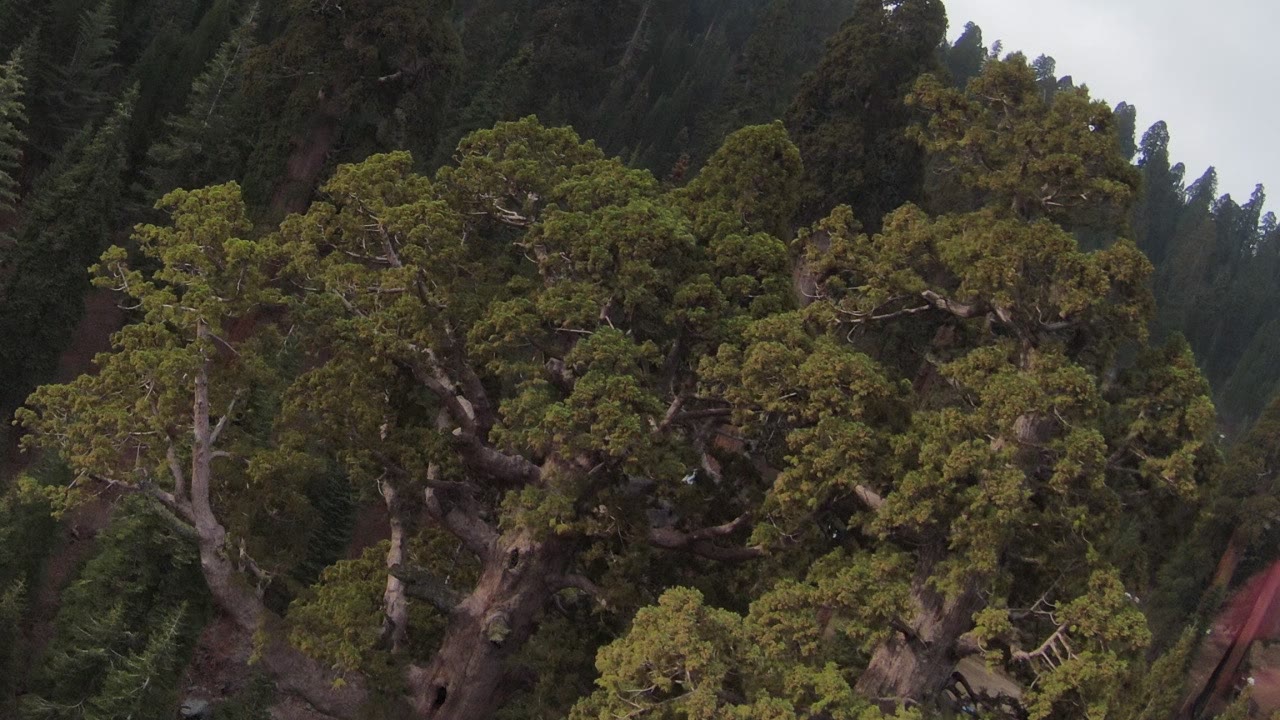
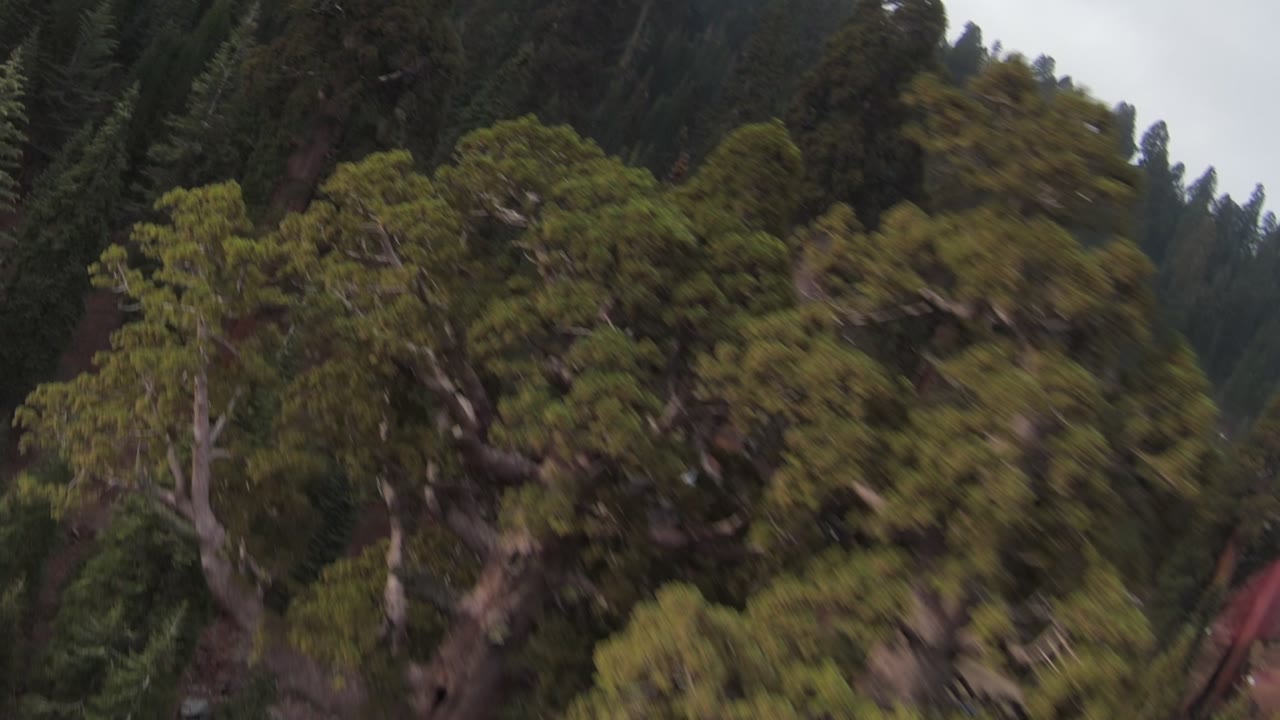
The controls that matter
- Shutter Angle: 0 to 360 degrees. Bigger is blurrier, smaller is crisper, and 180 is the classic film look.
- Shutter Phase: shifts the exposure earlier or later around each frame.
- Mode: HARD builds more detailed motion maps.
- Exposure Samples: from 4 to 32 per pixel, adaptive, more where the motion is large.
- Detect Cuts and Cut Sensitivity: so an edit stays an edit.
- Pixel Values: Auto follows the project's color settings, or choose Video or Linear yourself.
- Source FPS rounds out the panel.
Good for
- CGI and motion graphics rendered without motion blur
- Screen recordings and UI walkthroughs
- Game capture
- Footage shot at a fast shutter speed that looks jittery when things move
- Spins, pans and parallax that a directional blur gets wrong
Requirements and price
DISKO Shutter runs in After Effects 2024 or later and Premiere Pro 2024 or later, on macOS 12 or later (Apple silicon and Intel) or Windows 10 or 11, 64-bit. It needs a GPU: Metal on macOS, or Vulkan 1.1 on Windows with a current graphics driver. Frames can be up to 16 megapixels. It follows the After Effects project's color settings, linear or video, automatically, so you never have to tell it which one you're working in.
Shutter is $7.99, once. It's also one of the disks in the DISKO Motion V1 box set, $59.99 for the whole set. There's no subscription, every 1.x update is free, and when V2 arrives it will be a paid upgrade you can skip, because V1 keeps working.
The trial is the whole effect, every control included. Renders carry a DISKO MOTION TRIAL watermark until you enter a license code in Effect Controls > Options (in After Effects, Window > DISKO Motion License.jsx works too). Codes work offline, on up to three computers you use.
Shutter is one disk on the DISKO Motion shelf. The overview has the rest, the box set, and why any of this comes on floppy disks.
The motion blur your shutter forgot to shoot.
DISKO Motion
A suite of effects for After Effects and Premiere Pro
Browse the Motion aisle The box set for $59.99 All apps