Handwriting write-on text animation in After Effects, from any font
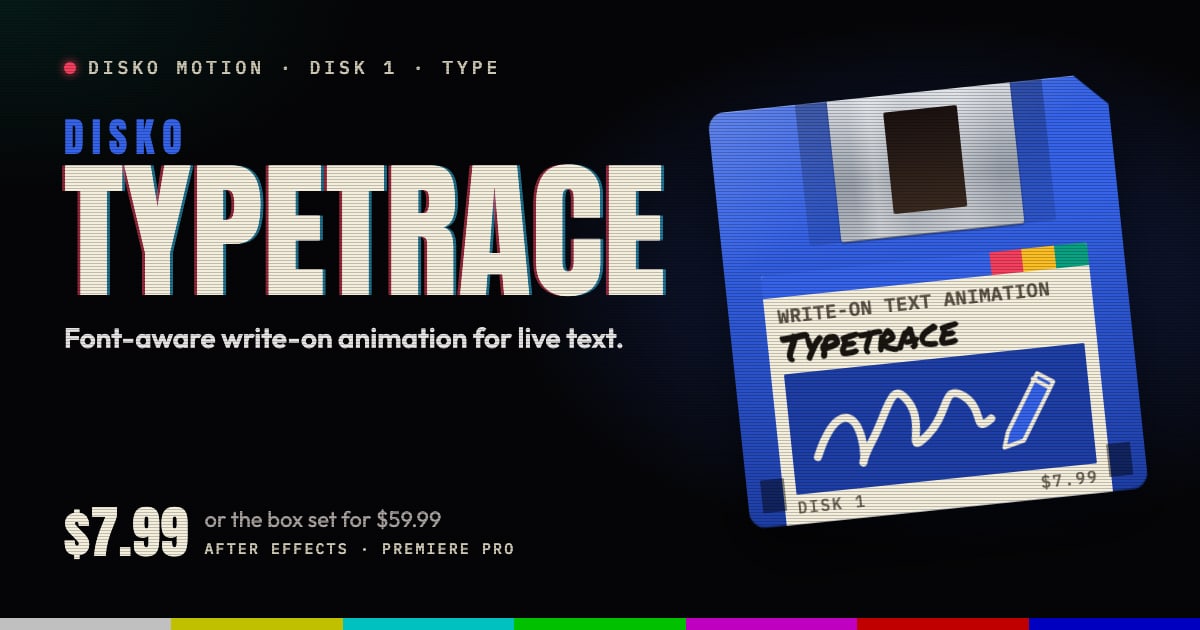
DISKO Typetrace is a handwriting write-on text animation effect for After Effects and Premiere Pro. Put it on a live text layer and it reads the rendered shape of your text, plans the order a person would draw the strokes in, and writes the words on from 0 to 100%. Any installed font. No masks needed, no outlining, no per-letter setup.
The problem with doing it by hand
The classic handwriting reveal goes like this. Turn the text into shapes, draw a path through every letter, animate the strokes one by one, and spend an evening finding out which way round a lowercase g is drawn. Then the client changes "Grand Opening" to "Grand Re-Opening" and you get to do it all again. There's no training montage for this part of the job. It's just you, the pen tool and a cold coffee.
Even done carefully, it often reads wrong. A stroke that starts at the wrong end, or a pen that never lifts off the page, looks like a machine doing an impression of handwriting.
Handwriting write-on text animation, planned like a pen
Typetrace works from the text as it's actually rendered and plans a human stroke order for it. Bowls come before stems. Open curves start where a pen would enter them. Loops close before stems, and descenders come after the body of the letter. Between strokes the pen lifts, and the pause is longer at a line change.
Because the plan comes from the rendered text, it's never out of date. Change the copy, the font, the size or the tracking at any time and the animation rebuilds itself. It works on any live text layer with any font you have installed, script or sans.
The ends are exact. At 0% the layer is fully transparent, and at 100% it's the original pixels of your text, exactly as set, so you can hold on the finished title for as long as the edit wants.
The controls that matter
There are six, and that's the whole panel.
- Write On: the progress, from 0 to 100%. Keyframe it with easing, or drive it with an expression, like any other slider.
- Stroke Pause: the pen lifts between strokes, longer at line changes, so it reads like someone writing.
- Start Direction: Auto, or force it to Top, Right, Bottom or Left.
- Smooth Ink: an organic, choked moving edge while the stroke draws, which resolves to the exact font.
- Follow Masks (After Effects): off by default. Sketch a rough open mask over a letter for each pen stroke, set the masks to None, and the pen follows your lines in the order of the Masks list. Letters without a mask keep the automatic plan.
- Boil: off by default. It gives the ink the restless line of hand-drawn animation: every few frames the words are redrawn with a slightly different wobble. Boil Amount sets how far the line wanders, Boil Rate how long each drawing is held (On 2s is classic animation), and Boil Seed picks another wobble. It keeps boiling after the words are written.
It renders at 8, 16 and 32 bits per channel and supports Multi-Frame Rendering.
Good for
- Signatures and sign-offs at the end of a film
- Hand-lettered title cards in a script font
- Names and places written on over a shot
- Wedding films, invitations and anything else that wants a human hand
- Titles whose copy is still changing the night before delivery
Requirements and price
DISKO Typetrace runs in After Effects 2024 or later and Premiere Pro 2024 or later, on macOS 12 or later (Apple silicon and Intel) or Windows 10 or 11, 64-bit.
Typetrace is $7.99, once. It's also one of the disks in the DISKO Motion V1 box set, $59.99 for the whole set. There's no subscription, every 1.x update is free, and when V2 arrives it will be a paid upgrade you can skip, because V1 keeps working.
The trial is the whole effect, every control included. Renders carry a DISKO MOTION TRIAL watermark until you enter a license code in Effect Controls > Options (in After Effects, Window > DISKO Motion License.jsx works too). Codes work offline, on up to three computers you use.
Typetrace is one disk on the DISKO Motion shelf. The overview has the rest, the box set, and why any of this comes on floppy disks.
Handwriting, minus the hand cramp.
DISKO Motion
A suite of effects for After Effects and Premiere Pro
Browse the Motion aisle The box set for $59.99 All apps