Match color between two shots in After Effects with one reference frame
DISKO Match is the quick way to match color between two shots in After Effects and Premiere Pro. Pick a source frame and a reference frame, and Match fits smooth per-channel tone curves that map the source frame's color onto the reference. It's made for matching cameras, and for cutting real footage against AI-generated shots.
The problem: two shots that won't agree
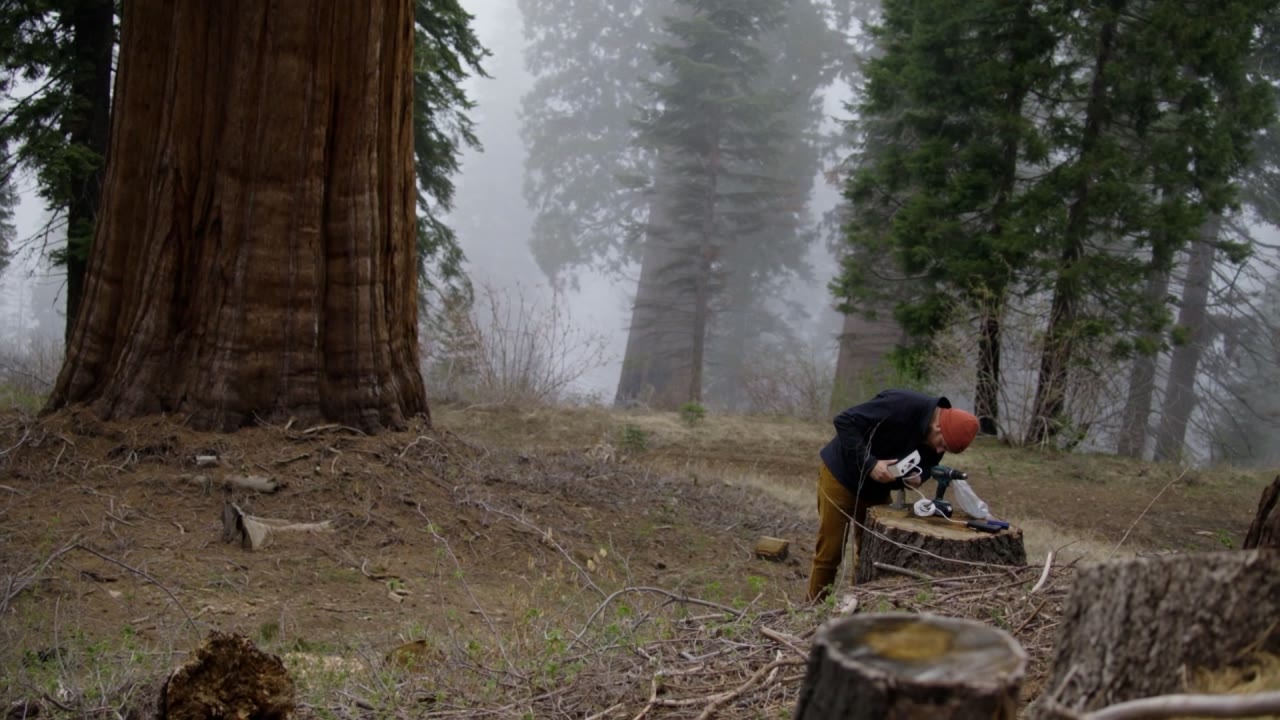
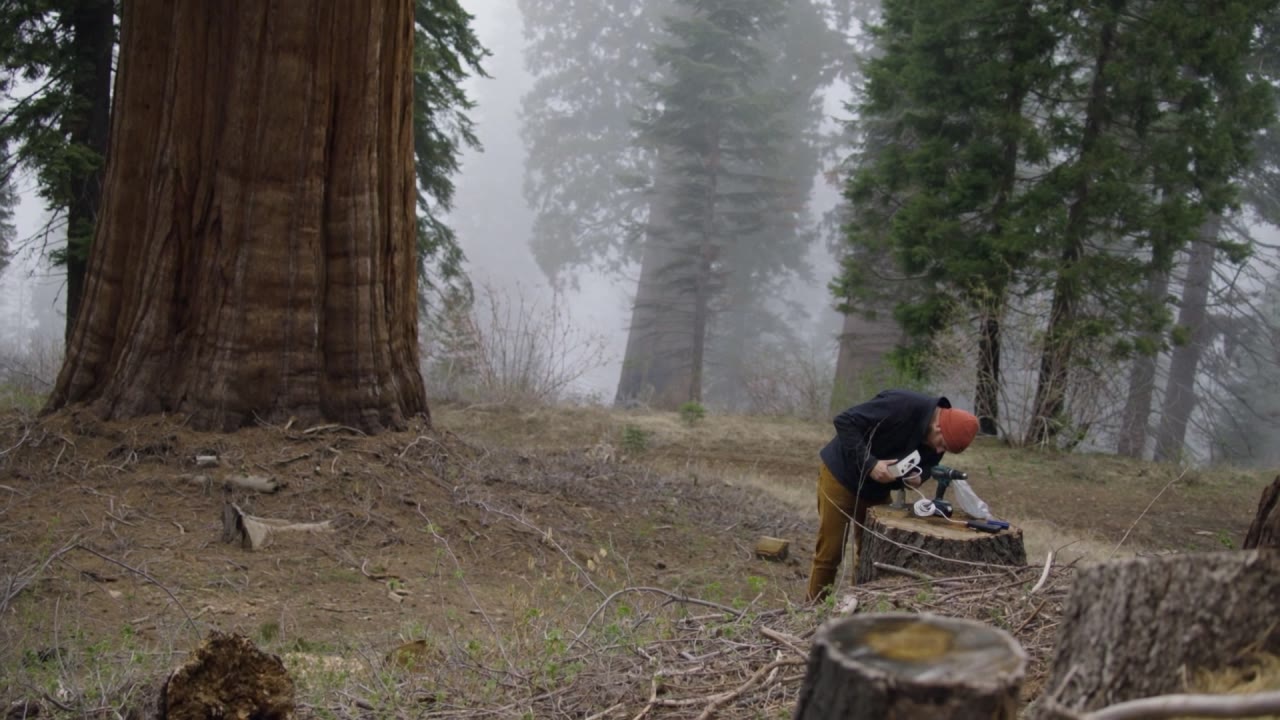
The A camera runs a little warm. The B camera runs a little green. The drone shot is its own thing entirely, and the AI-generated insert the client loves looks like it arrived from another planet, which in fairness it more or less did. They're two partners on day one of a buddy-cop movie: same case, completely different opinions.
Matching them by eye means curves, channel by channel, flipping between two frames until your eyes give up. It works. It also takes a while, and it's the same while every time the edit changes.
How to match color between two shots with Match
Match looks at the color distribution of the source frame and of the reference frame, and fits a smooth tone curve for each channel that maps one onto the other. The curves are monotonic, which means they only ever go one way: in each channel, anything brighter stays brighter. So there's no posterizing and no color flips, just one shot moved toward the other.
It works across real and AI-generated shots alike. Analysis region controls let you measure part of the frame instead of all of it, so the bit that should match is the bit that gets matched. And it follows the After Effects project's color settings, linear or video, automatically.
The tidy way to use it: put Match on an adjustment layer and keyframe Amount across the edit.
The controls that matter
- Source Frame and Reference Frame: pick each one with one click.
- Match Amount: how far to go. It's keyframeable, so you can ease into the match or back off it.
- Analyze Left, Top, Right and Bottom: the region to measure.
- Pixel Values: Auto follows the project, or choose Video or Linear yourself.
That's the whole panel.
Good for
- A and B cameras on the same interview
- Drone and action-camera shots cut in with the main camera
- AI-generated shots that have to sit next to real footage
- Stock footage that arrived in a different color from everything else
- Getting shots close before the grade, so the grade starts from a match
Requirements and price
DISKO Match runs in After Effects 2024 or later and Premiere Pro 2024 or later, on macOS 12 or later (Apple silicon and Intel) or Windows 10 or 11, 64-bit. It follows the After Effects project's color settings, linear or video, automatically, so you never have to tell it which one you're working in.
Match is $7.99, once. It's also one of the disks in the DISKO Motion V1 box set, $59.99 for the whole set. There's no subscription, every 1.x update is free, and when V2 arrives it will be a paid upgrade you can skip, because V1 keeps working.
The trial is the whole effect, every control included. Renders carry a DISKO MOTION TRIAL watermark until you enter a license code in Effect Controls > Options (in After Effects, Window > DISKO Motion License.jsx works too). Codes work offline, on up to three computers you use.
Match is one disk on the DISKO Motion shelf. The overview has the rest, the box set, and why any of this comes on floppy disks.
Two cameras, one look, no arguments in the grading suite.
DISKO Motion
A suite of effects for After Effects and Premiere Pro
Browse the Motion aisle The box set for $59.99 All apps