Motion blur in post that stops at the cut: a Pixel Motion Blur alternative for After Effects
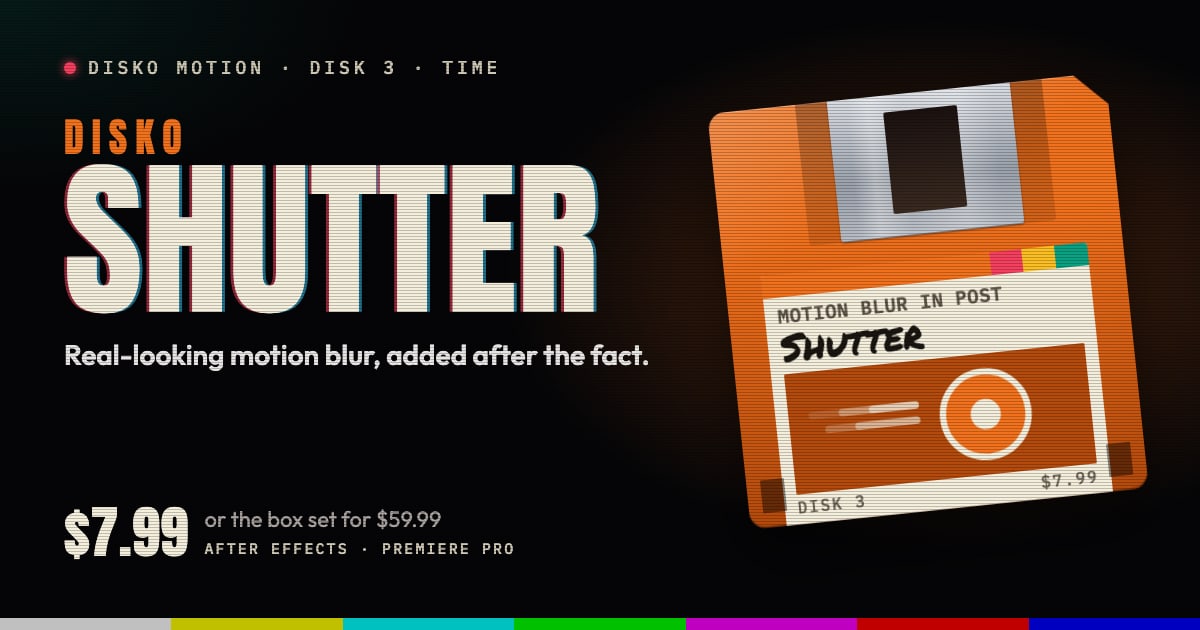
After Effects comes with two ways to add motion blur to footage after the fact: Pixel Motion Blur and CC Force Motion Blur. They're free, they're already installed, and on a gentle pan they do the job. In our tests both were slow going, and fast or spinning motion came out thin or smeared. And neither one knows where your cuts are.
The paint splatter at the cut
Motion blur made in post looks at the frames either side of the one it's blurring. That's how it knows where things are going. At an edit, though, the frame on the other side belongs to a different shot. Blur across it and the last frame of one shot gets smeared into the first frame of the next: a clean cut turns into a splatter of colors that were never in either shot. Once you've seen it, you see it at every cut.
The usual fix is housekeeping: split the layer at every cut, or precompose each shot, so the blur can't see past the edit. Plenty of motion blur tools, pricey ones included, leave that job to you. It works. It also doubles the layers in a long edit, and it has to be done again every time the edit changes.
How Shutter does it
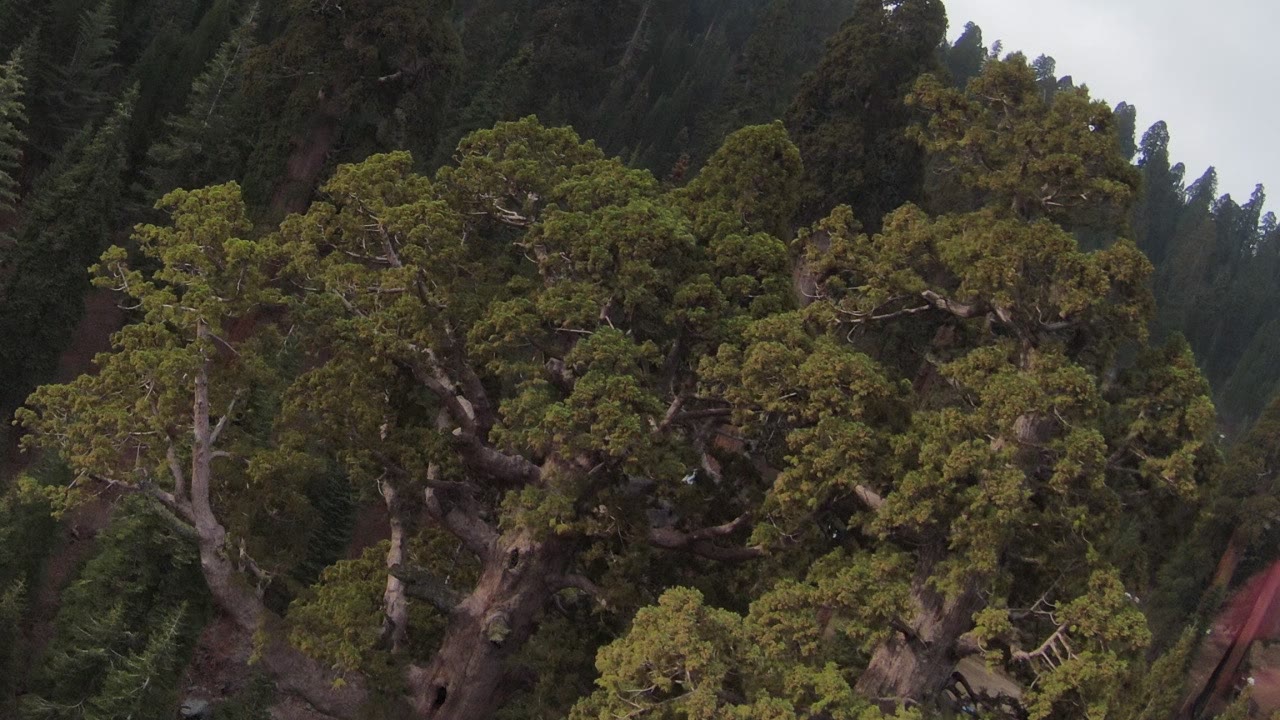
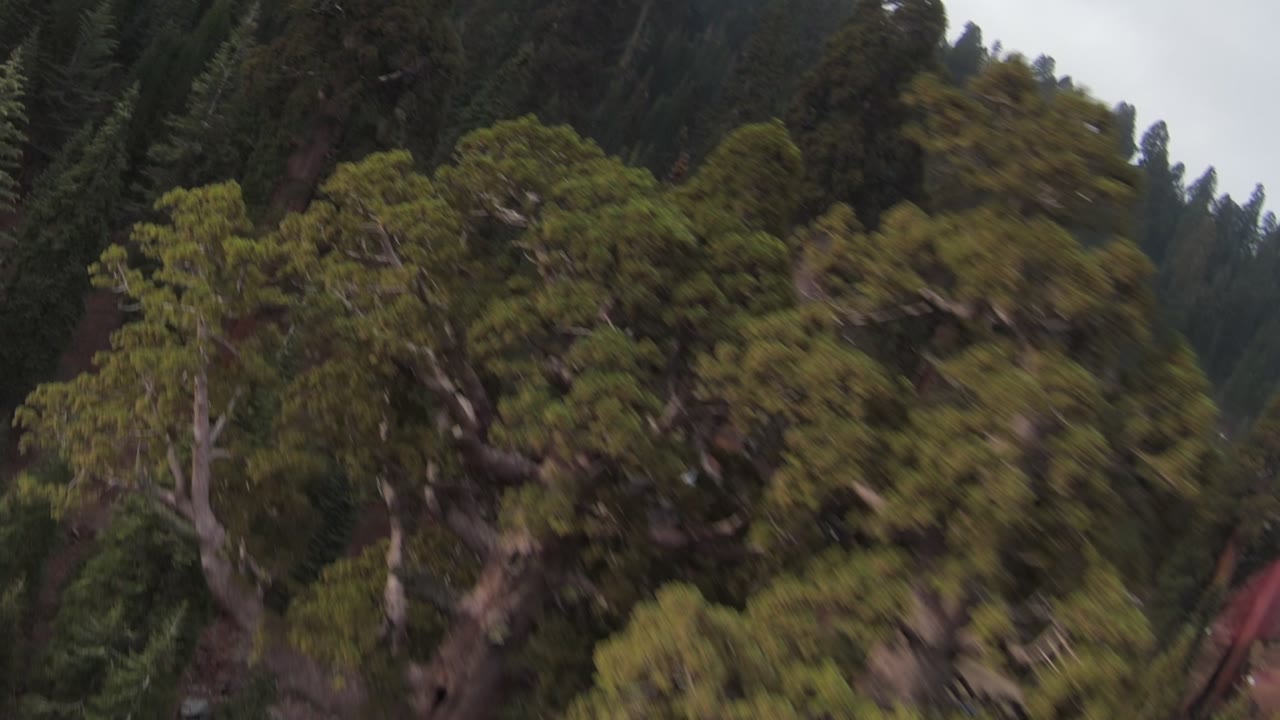
Shutter does what a camera's shutter does, after the fact. A neural model builds motion maps between neighboring frames, and Shutter gathers exposure along each pixel's real path, as if the shutter had been open while it traveled. So the blur bends with rotation and parallax instead of smearing everything one way. It takes 4 to 32 exposure samples per pixel, more where the motion is large, and the blur is gamma-correct in the project's working space, linear or video, without being told which.
And it watches for cuts. Detect Cuts finds the edits in the footage, Cut Sensitivity sets how big a change counts as one, and Shutter never blurs across them. Put it on a whole cut sequence and every shot keeps its own blur.
The controls
- Shutter Angle: 0 to 360 degrees, like the camera setting.
- Shutter Phase: where the exposure sits around each frame.
- Mode: HARD builds more detailed motion maps for busy shots.
- Exposure Samples: how many samples each pixel gathers.
- Detect Cuts and Cut Sensitivity: keep the blur inside each shot.
- Source FPS and Pixel Values: for footage that needs its frame rate or color space spelled out.
When the built-ins are enough
A slow, steady move where nothing crosses anything else: Pixel Motion Blur will do, and it's free. When things rotate, the camera and the subject move differently, or the footage is a cut sequence, that's Shutter's job.
Requirements and price
DISKO Shutter runs in After Effects 2024 or later and Premiere Pro 2024 or later, on macOS 12 or later (Apple silicon and Intel) or Windows 10 or 11, 64-bit. It needs a GPU: Metal on macOS, Vulkan 1.1 on Windows with a current graphics driver, for frames up to 16 megapixels.
Shutter is $7.99, once. It's also one of the disks in the DISKO Motion V1 box set, $59.99 for the whole set. There's no subscription, every 1.x update is free, and when V2 arrives it will be a paid upgrade you can skip, because V1 keeps working.
The trial is the whole effect, every control included. Renders carry a DISKO MOTION TRIAL watermark until you enter a license code in Effect Controls > Options (in After Effects, Window > DISKO Motion License.jsx works too). Codes work offline, on up to three computers you use.
The motion blur your shutter forgot to shoot.
DISKO Motion
A suite of effects for After Effects and Premiere Pro
Browse the Motion aisle The box set for $59.99 All apps